


Lino Simplify
Boost Model Performance and Protect Your Intellectual Property
Lino® Simplify is a Solidworks add‑in that automates model simplification, helping you achieve the ideal level of detail for your specific use case. Organizations simplify their 3D models for many reasons, from improving performance to protecting sensitive design data.

Intelligent Model Simplification
Engineering teams frequently work with 3D CAD models that are far more detailed than necessary. Large files slow down performance, complicate data exchange, and may expose proprietary information.
Lino Simplify provides an efficient, fully automated solution: With a single click, the add‑in reduces assembly and part complexity while preserving the external geometry required for downstream processes such as layout planning and web visualization. The result is lighter models that are easier to share, faster to handle, and safer to distribute.
Safeguard Your Intellectual Property
Sharing 3D CAD data with partners and customers is part of everyday engineering – but it also opens the door to reverse engineering. Simplify protects your know‑how by removing sensitive details from your models. Internal structures, proprietary features, and hidden components are removed, leaving a lightweight geometry shell that supports engineering workflows while keeping your design knowledge safe.
Increase Model Performance
Large assemblies can significantly increase load times and slow down rendering. Lino Simplify streamlines your workflow by removing unnecessary geometry like holes, fillets, and hidden parts. This creates lightweight models that significantly reduce graphics processing demands. And if the full level of detail is required at any stage, the integrated swap function allows you to return to the original version instantly, directly within your assembly.

Benefits of Lino Simplify
Free your CAD data from unnecessary complexity with Lino Simplify.
Webinars
Register now for our free webinar or contact an expert for a personalized consultation.
Our webinars are intended exclusively for companies within our defined target audience.
Software for Lino Simplify
Our software and solutions address the challenges that arise when industrial processes reach their limits: product variety, manual handoffs, and a lack of integration between sales, engineering, and IT.
Lino® 3D layout
Uses drag-and-drop and snap technology for collision-free layouts. Ensures seamless data flow from sales to installation without any data loss.

Tacton Design Automation
Transforms expert knowledge into intelligent rules to automatically generate complex 3D models, drawings, and bill of materials—saving up to 90% of engineering time.
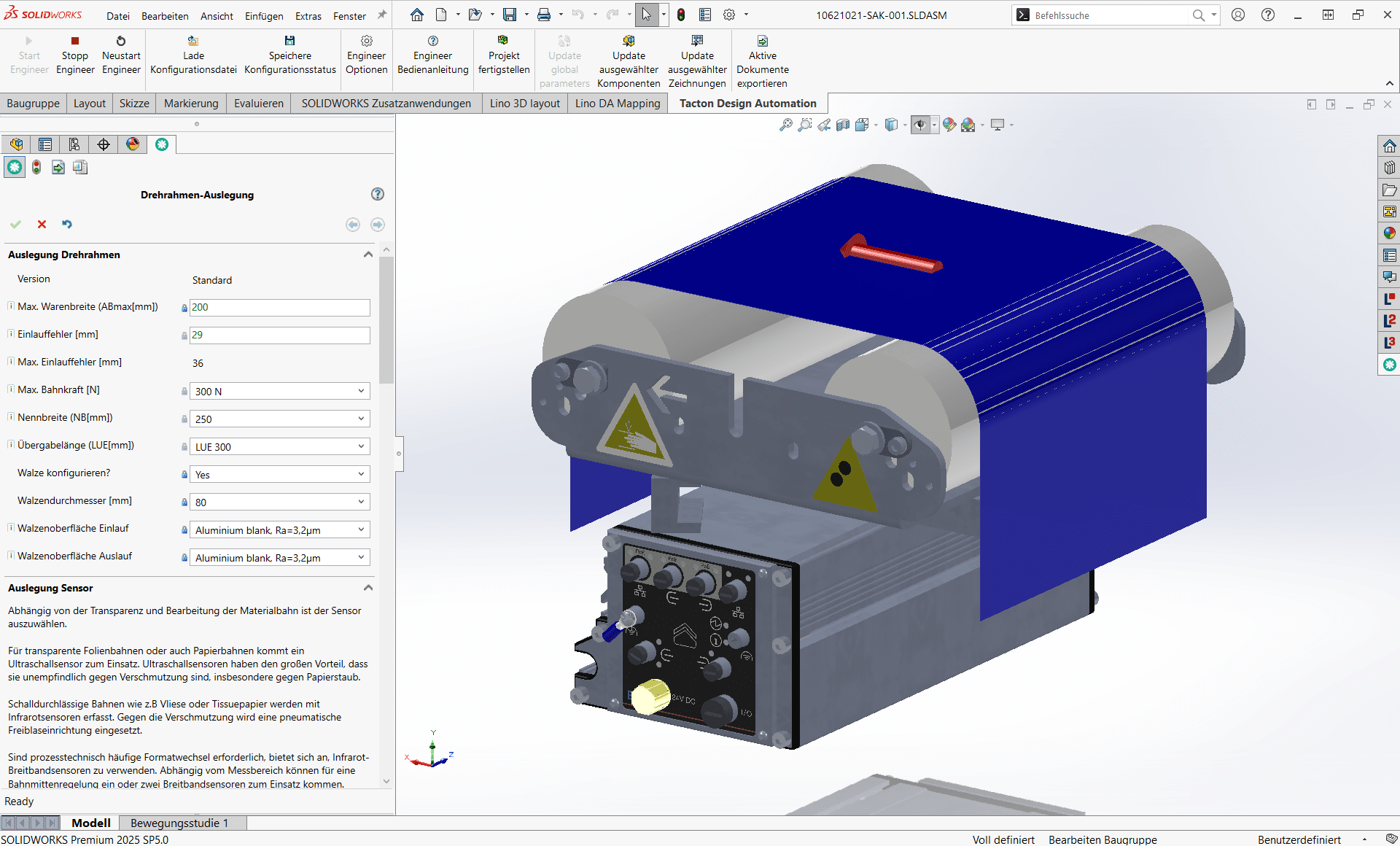
See for yourself how complex processes are simplified, systems integrated and automation delivers measurable results. Use your specific use case to experience it firsthand.
- Practical demo with realistic use cases
- The next step for your digital transformation project
- Measurable benefits and ROI in record time

Frequently Asked Questions
Knowledge base on performance optimization, IP protection, and SolidWorks integration.
Here you’ll find answers to questions about automated model simplification in Solidworks.
Learn how Lino Simplify reduces assembly complexity, improves performance, makes reverse engineering more difficult, and protects sensitive design details -without losing important design information.
What is Lino Simplify and what is it used for?
Lino Simplify is an add-in for Solidworks® that automatically simplifies 3D models and assemblies. It removes unnecessary details, reduces file sizes, and accelerates the processing of large CAD models. Typical use cases include creating lighter layout models, protecting intellectual property during data exchange, impeding reverse engineering, and improving performance and web/VR presentation. The simplification runs fully automatically once the desired settings are configured.
Can Lino Simplify process entire assembly structures?
Yes – Lino Simplify can simplify complete assemblies and not just individual parts. The software analyzes assembly structures in Solidworks®, recognizes subassemblies and linked components, and automatically applies the defined simplification rules to all relevant elements. This results in consistent, lightweight overall models with reduced details that are ideal for layouts, performance optimization, and collaborative planning without having to edit each component individually.
Can Lino Simplify protect against reverse engineering?
Yes, by removing design details and simplifying critical geometries, Lino Simplify makes it difficult to trace sensitive components. nternal design logic, parameters, and features are not passed on. This allows models to be provided for quoting, layout, or coordination purposes without disclosing complete technical know-how.
How does Lino Simplify improve the performance of large assemblies?
File sizes are drastically reduced, resulting in significantly shorter loading times for large-scale 3D floor plans. Removing unnecessary geometry—such as holes or curves—massively reduces the graphics load, preventing stuttering. The software automatically reduces the complexity of assemblies and components with the click of a button.
Which CAD system is Lino Simplify integrated with?
Lino Simplify is integrated directly into Solidworks as an add-in. Users work in their familiar CAD environment and define simplification rules directly in the system, and model simplification occurs automatically based on these settings. No external programs or data exports are necessary, keeping the process efficient and seamless.
Which exchange formats are supported by Lino Simplify?
We support export to all standard neutral formats (STEP, IGES, SAT, Parasolid) as well as specific visualization formats (VRML, OBJ, FBX, GLB/gLTF for the web).
Does Lino Simplify support the protection of intellectual property?
Yes, Lino Simplify helps protect intellectual property by removing or abstracting design details, internal geometry, and function-relevant structures. This allows simplified models to be shared with customers, partners, or suppliers without revealing sensitive development information. his reduces the risk of unwanted reverse engineering.
Can I use Lino Simplify for layouts and project planning?
Yes, simplified models are ideal for layout planning, quote visualizations, and early project phases. They retain relevant outer contours and installation dimensions while reducing unnecessary depth of detail. As a result, complete plants can be integrated into hall layouts or customer presentations much faster – with significantly less system load.
Does model simplification make sense for VR/AR applications?
Native CAD data is far too detailed for visualizations (“poly-count”). A single screw can have thousands of polygons, bringing VR headsets or web rendering to their knees. Lino Simplify drastically reduces file size and polygon count – often by up to 90% – without compromising visual quality. The result: Fluid, high-performance 3D experiences for your sales team and customers, whether in a web browser (Lino 3D web) or a VR headset.
Is important information deleted during simplification?
No – Lino Simplify specifically removes only unnecessary detail information that is not required for pure planning, layout creation, or integration of the models, such as fine geometries or graphical overhead details. Users can determine via settings which features should be retained and which should be simplified, ensuring that relevant dimensions, outer contours, and assembly interfaces are preserved. The simplification is intended to improve performance and handling, not to delete data that is important for planning purposes.
Latest News
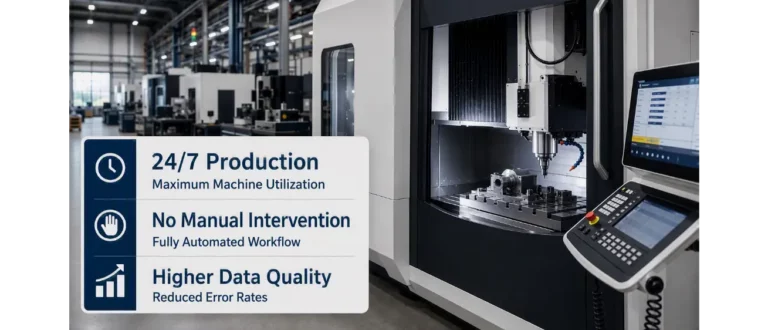
CAM Programming: Why No One Will Do It by Hand Anymore in the Future

Tyrolit Group Achieves 24/7 Production with Lino® Hub
