


Drawing Automation
Drawing Automation: Engineering Drawings Made Effortless
Drawings That Keep Up With Your Design
Engineering drawings are the backbone of communication and the binding reference for manufacturing. But manually updating them after every design change consumes valuable time. Drawing automation removes this bottleneck by generating complete, standardized engineering drawings directly from your CAD data, with no manual intervention required.

Cut the Manual Work. Keep the Precision.
Drawing views, dimensions, and annotations are automatically arranged according to predefined rules, ensuring clean, production‑ready engineering drawings that meet the highest quality standards.
Updates to the CAD model are seamlessly incorporated into the drawing, eliminating the need for manual adjustments and reducing the risk of errors. This allows engineers to focus on design and innovation while the system reliably delivers consistent documentation in the background.
Seamless Integration Into Your Workflow
Generated drawings don’t just disappear into the archive – they become an active part of your manufacturing and sales workflow. Documents feed directly from your CAD models into quoting, production, and documentation processes without any manual intervention. This shortens lead times and ensures process integrity throughout the entire engineering process.
Key Benefits of Drawing Automation
Drawings That Update Themselves
Ready to take your engineering drawings to the next level? Join one of our webinars to learn more about drawing automation or request a demo today!
Together, we analyze your existing workflows and identify specific opportunities for more efficient, digital processes – in a practical, structured manner and with a clear focus on measurable benefits.
- Analysis of your engineering and sales processes
- Identification of opportunities for optimization
- A clear roadmap for your digital transformation
Check it out for yourself
Webinars
Register now for our free webinar or contact an expert for a personalized consultation.
Our webinars are intended exclusively for companies within our defined target audience.
The Services that make Digital Transformation Projects a Success
Successful digital transformation isn’t achieved simply by using software. We support and advise our clients throughout the entire lifecycle—from the initial idea to stable operation.


Software for Drawing Automation
Our software and solutions address the challenges that arise when industrial processes reach their limits: product variety, manual handoffs, and a lack of integration between sales, engineering, and IT.
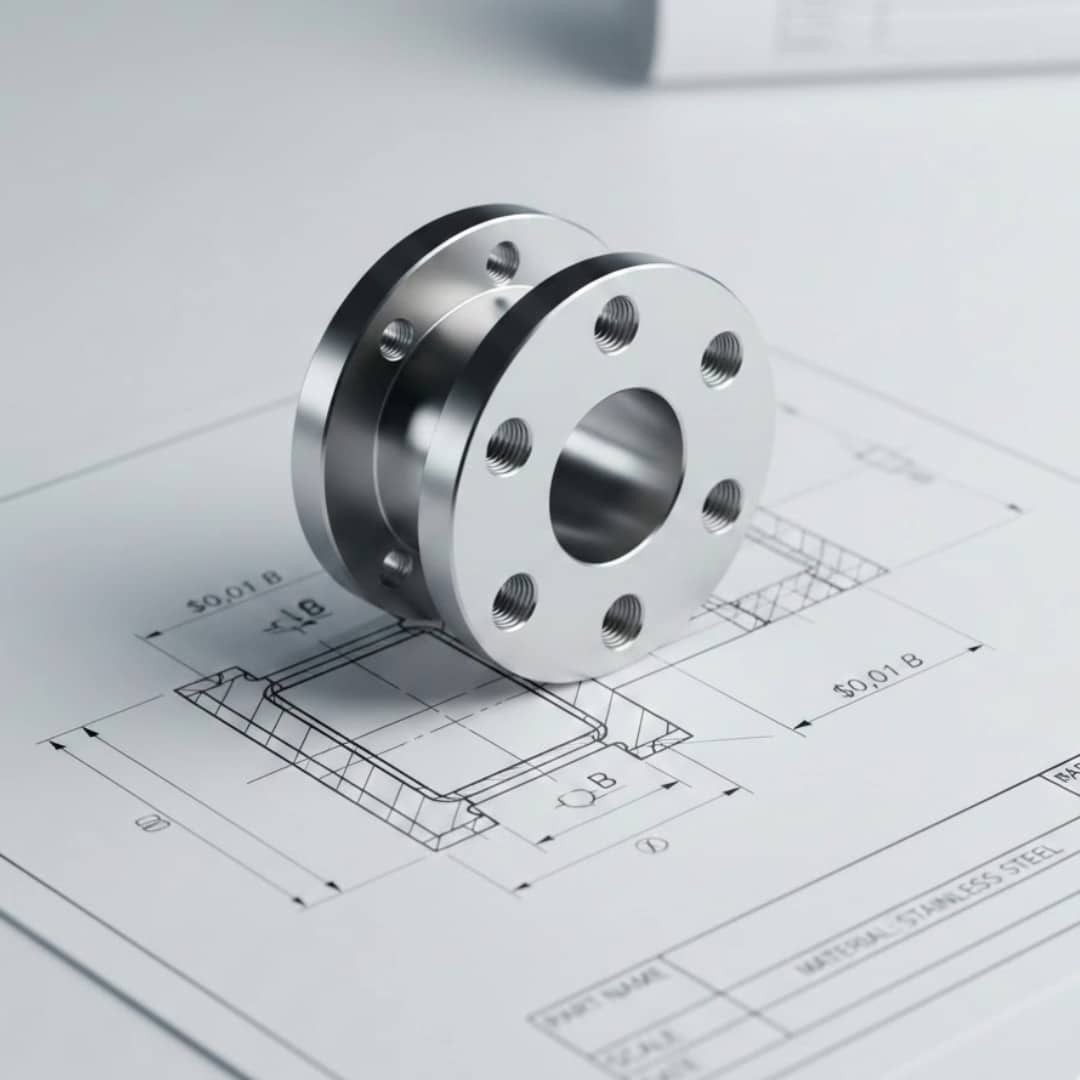
Lino® 2D fix
Drawing automation without manual adjustments for production-ready layouts.
Automatically optimizes drawing layouts, avoids dimension conflicts, and dynamically adjusts scales.
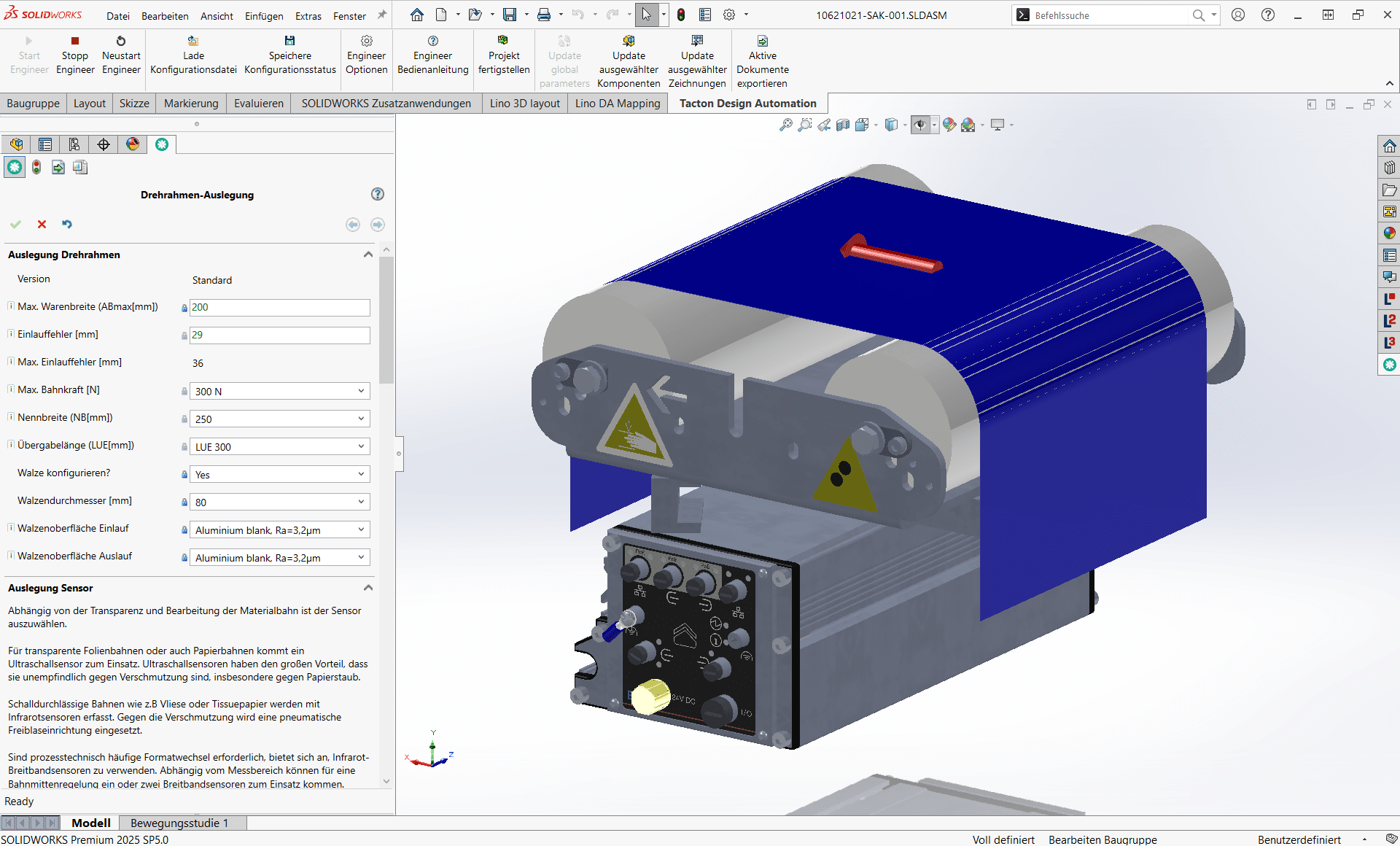
Tacton Design Automation
Transforms expert knowledge into intelligent rules to automatically generate complex 3D models, drawings, and bill of materials—saving up to 90% of engineering time.
Simply integrate. Intelligently automate.
Digital engineering processes for mechanical and plant engineering: Automate design, product configuration, and workflows; seamlessly integrate CAD, PDM, and ERP; and accelerate sales, planning, and manufacturing—efficiently, error-free, and with future-proof connectivity.
Frequently Asked Questions
Knowledge base on CAD documentation, dimensioning, and drawing automation.
This section answers questions about the automated generation of 2D drawings from 3D models.
Learn how layouts, views, and dimensions are generated automatically, and how companies can produce consistent manufacturing documentation more quickly and with fewer errors.
Which companies benefit from drawing automation?
Companies with highly configurable products and frequent model changes benefit the most. Whenever drawings need to be adjusted on a regular basis, automation significantly improves efficiency, data quality, and competitiveness.
How quickly are finished documents available?
Drawings are generated immediately after configuration or model changes. As a result, high-quality manufacturing documents are available right away – an essential advantage when working with tight project schedules.
Can drawings be integrated directly into downstream processes?
Yes. Automatically generated documents can be seamlessly integrated into quotation, ERP, or production processes. This creates end-to-end workflows without media discontinuity.
How does drawing automation support process reliability?
Direct coupling to variant and design processes minimizes sources of error. Every drawing is based on validated 3D data and follows defined quality standards, ensuring maximum process integrity from order to production.
What does drawing automation mean in mechanical engineering?
Drawing automation refers to the automatic generation of finished, standardized 2D drawings from 3D design data. Instead of manually adjusting views, dimensions, and annotations, an intelligent set of rules generates complete manufacturing documents at the push of a button—consistent, compliant with standards, and without the need for manual rework.
Why is drawing automation needed?
Technical drawings are the backbone of manufacturing, but manual adjustments after every model change tie up valuable resources. Automation reduces correction loops, shortens throughput times, and ensures consistently high documentation quality
How does the automatic adjustment of layout and dimensions work?
Predefined rules control the positioning of views, dimension chains, and annotations. When the 3D model changes, layout and dimensions are recalculated automatically. This keeps drawings formally correct and up to date at all times.