


Configuring Handling Systems in a Modular Way –
From Linear Units to Multi-Axis Gantries
Automation Technology: Linear units, pick-and-place systems, gantry systems, and multi-axis handling systems combine standard modules into customer-specific solutions. Lino makes axis combinations, strokes, payloads, and grippers rule-based configurable – including 3D model, layout plan, and quote.
©STEIN Automation GmbH & CO. KG
Why Handling Systems Are Difficult to Manage Manually
Axis combinations, payloads, strokes, speeds, and grippers generate a level of variant diversity that cannot be scaled with catalogs and manual engineering.
Combinatorial Diversity of Axes and Parameters
A handling system typically consists of two to six axes, each available in different sizes, stroke lengths, drive types, and guide systems. The combinations result in tens of thousands of theoretical variants per product family. Manual quoting and engineering cannot cover this diversity economically – customers wait too long or receive only approximate solutions.
TraPayload and Dynamic Calculations as a Bottleneck
Every axis combination requires a technical review: Is the payload sufficient for the workpiece plus gripper? Are the acceleration forces within the axis load limits? Is the cycle time achievable? These calculations require expert knowledge and cannot be performed by sales alone – every inquiry generates an engineering follow-up.

©STEIN Automation GmbH & CO. KG

©STEIN Automation GmbH & CO. KG
Grippers and Tools as Project-Specific Interfaces
The gripper connects the standardized handling system with the customer-specific workpiece. Gripper adapters, suction cup layouts, jaw geometries, and sensor configurations must be precisely matched to the application. Without integrated configuration, the gripper becomes a one-off project – with the associated time expenditure and risk of errors at the mechanical interface.
Customers Expect 3D Models and Layout Plans Immediately
Machine builders and system integrators incorporating handling systems into their plants require STEP models for their CAD planning and layout drawings for hall integration. Without automated model generation, it can take weeks before a reliable 3D model is available – in the meantime, the customer continues planning with a competitor’s product.
Use Cases: How Automation Technology Manufacturers Benefit in Practice
Three typical scenarios showing how Lino solutions transform the configuration and sales of handling systems:

Pick-and-Place Gantries for Assembly Automation
A handling system manufacturer uses its CPQ system to configure a 3-axis gantry for an assembly application: X-stroke 2,400 mm, Y-stroke 800 mm, Z-stroke 400 mm, payload 12 kg. The system automatically calculates the required drive sizes, guide dimensioning, and resulting cycle time. Design Automation then generates the complete 3D model including profile beams, linear guides, drives, and gripper adapter plate – in under 15 minutes, technically validated and exportable as a STEP model for the customer.

Linear Axis Configurator for Online Sales
The manufacturer provides its sales partners and end customers with a web configurator in which linear units and cross slides can be configured by stroke, payload, accuracy, and drive type. The system displays a real-time 3D preview, calculates the price, and offers a STEP download. Over 80% of standard inquiries are handled entirely through self-service – the sales team focuses on more complex gantry systems and special projects.

Multi-Axis Gantries with Integrated Layout Planning
A system integrator is planning a 4-axis gantry handling system (X-Y-Z + rotary axis) for an assembly line. In the CPQ system, he configures the axis combination based on workspace and dynamic requirements. In 3D layout planning, he positions the gantry within the customer’s plant, checking working areas, safety zones, and interfaces with adjacent stations. The customer receives an interactive 3D model of their system with integrated handling – as a solid investment basis, weeks before detailed engineering begins.
Fully Digitally Planned: Measurable Results
70 %
faster quote creation
< 15 min
from specification to configured model
≥ 45 %
less engineering effort through modular building-block systems
Software for Automation Technology
Our software and solutions address the challenges that arise when industrial processes reach their limits: product variety, manual handoffs, and a lack of integration between sales, engineering, and IT.
Tacton CPQ
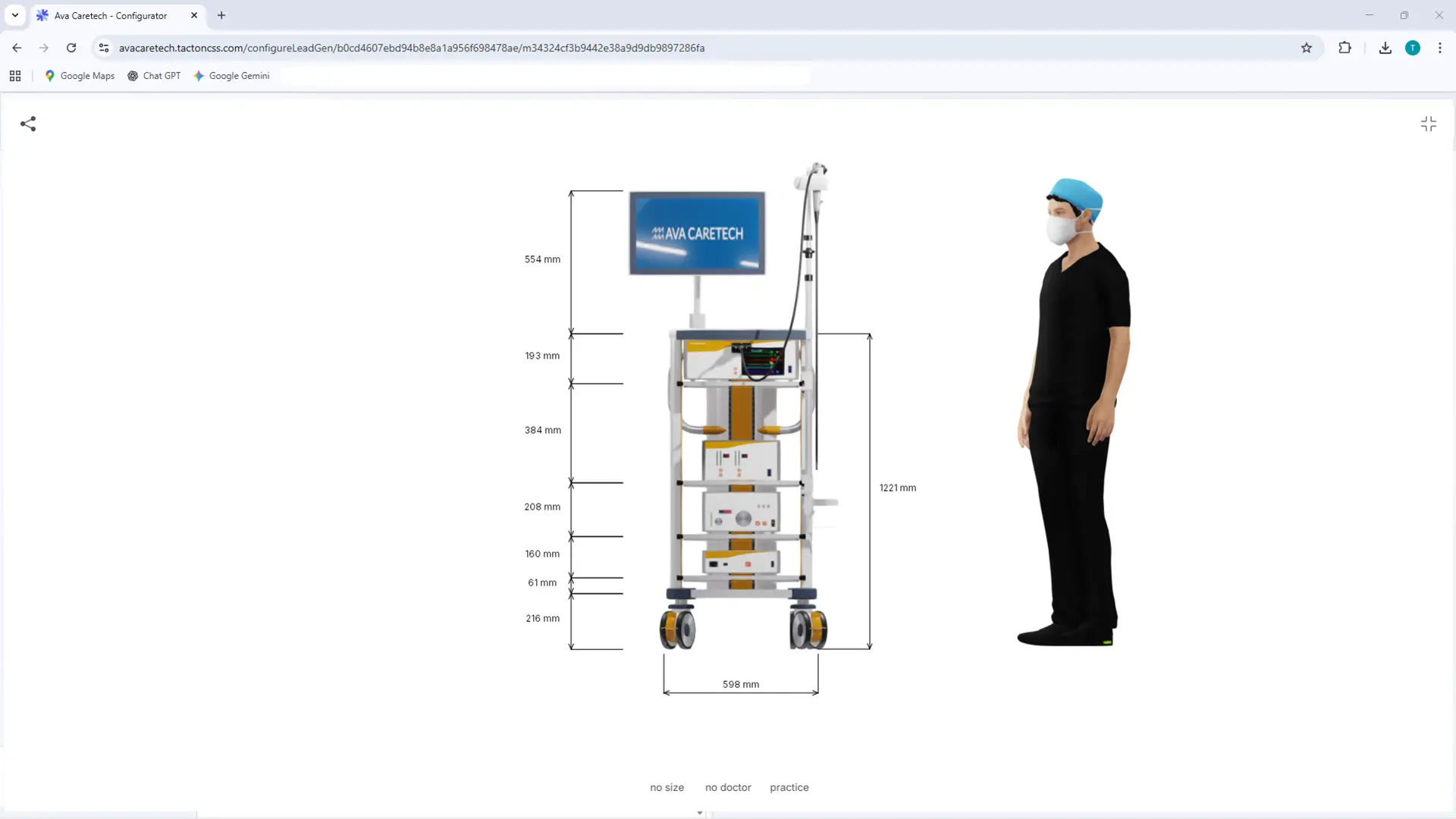
The constraint-based engine intuitively guides users to a technically sound solution. It significantly speeds up the quote generation process and ensures maximum price transparency through automated real-time calculations for the sales team.
Tacton Design Automation
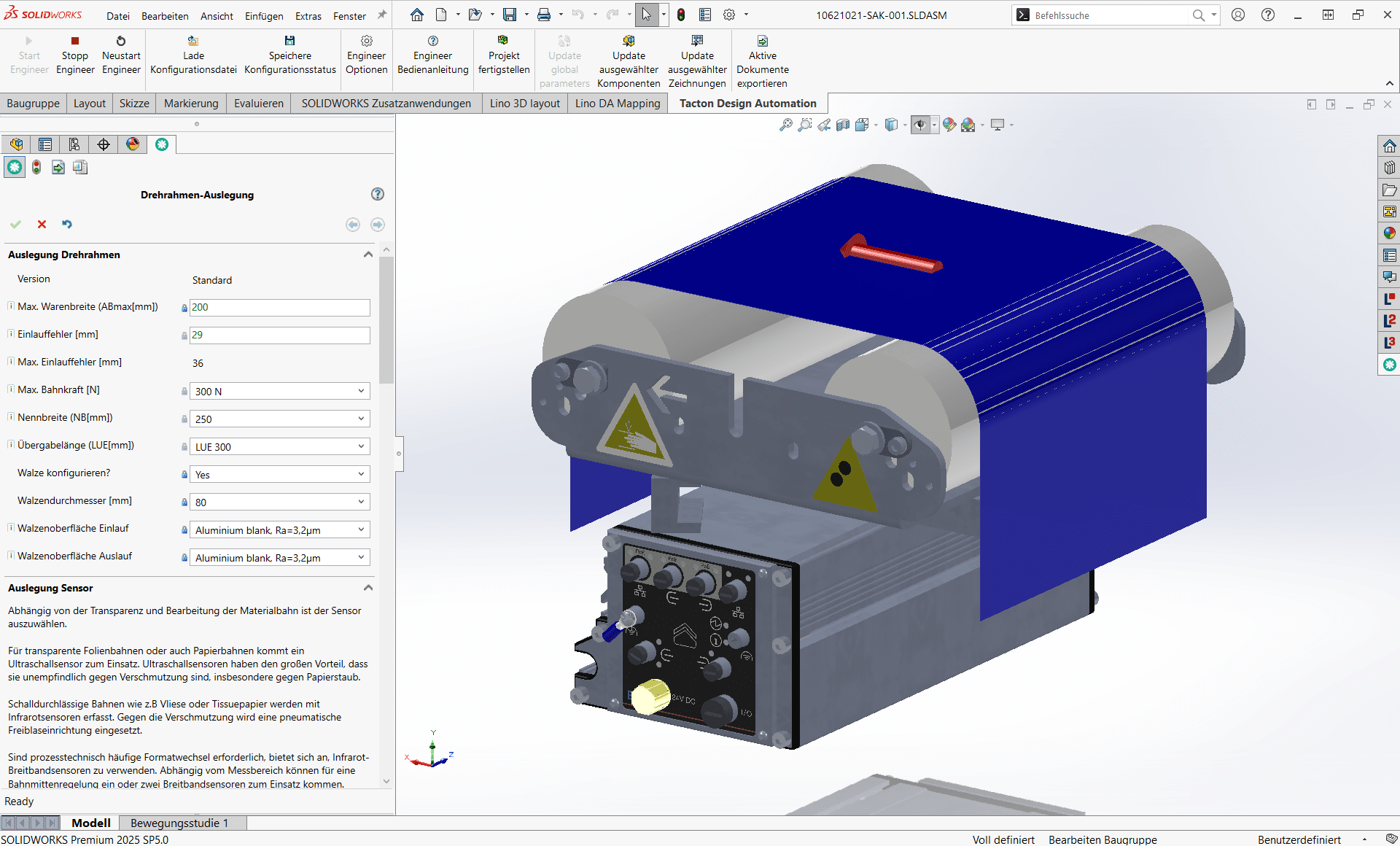
Transforms expert knowledge into intelligent rules to automatically generate complex 3D models, drawings, and bill of materials—saving up to 90% of engineering time.
Lino® Hub
Seamlessly connects sales, engineering, and manufacturing for end-to-end digital processes.
Seamlessly integrates CPQ, CAD, ERP, and PDM for error-free, automated data flows without media breaks.
Lino® Automate
Transforms routine CAD tasks into fully automated workflows using intelligent action lists and seamlessly integrates them with PDM, PLM, or ERP systems—for maximum time savings.
Lino® 3D layout
Uses drag-and-drop and snap technology for collision-free layouts. Ensures seamless data flow from sales to installation without any data loss.

Relevant Processes
The digital engineering processes supported by Lino connect system integration, configuration, and automation into a seamless value chain – from the first customer contact through to the finished machine system.
Design Automation for Rapid Product Development
Optimize your design process with Design Automation and CAD automation. Product rules automatically generate 3D CAD models, 2D drawings, and bills of materials. This accelerates engineering processes, reduces errors, and significantly decreases routine engineering tasks.
Product Configuration for Individual Customer Solutions
Master product variety with a product configurator and CPQ system. Using rule-based variant configuration and guided selling, sales teams, partners, and customers create technically valid product variants, quotes, and configuration data – directly integrated into CAD and ERP systems.
System Integration for a Seamless Corporate IT Landscape
Connect your IT systems into a continuous data chain. Through system integration in mechanical engineering, CAD, ERP, CRM, and PDM/PLM systems are seamlessly linked. This creates a consistent digital thread along the entire product lifecycle.
Process Automation for Seamless Digital Workflows in Mechanical Engineering
Workflow and process automation connects engineering systems into seamless digital workflows. Automated workflows handle recurring tasks, reduce manual steps, and ensure consistent data between CAD, PDM, ERP, and CRM.
Visualizing 3D Products in the Web Browser
With 3D product visualization on the web, you can present complex products interactively in the browser. Thanks to modern technologies such as WebGL 3D viewers, variants can be displayed in real time and directly linked to configurators or web shops.
Together, we analyze your existing workflows and identify concrete potential for more efficient, digital processes – practical, structured, and with a clear focus on measurable value.
- Analysis of your engineering and sales processes
- Identification of optimization potential
- Clear roadmap for your digital transformatio
See for Yourself

Frequently Asked Questions to Automation Technology
The FAQs answer questions about the automation technology industry in the context of the Lino portfolio.
Find answers about rule-based configuration of handling systems, linear axes, and gantry systems. Learn how Tacton CPQ and Tacton Design Automation technically validate axis combinations, automatically generate 3D models, integrate payload and cycle time calculations, and instantly provide customers with STEP data and layout drawings – without manual engineering queries.
How does Lino Hub connect the configuration process for handling systems with the ERP system?
Lino Hub acts as the central data backbone between Tacton CPQ, Tacton Design Automation, the CAD system, and the ERP. After configuration is complete, Lino Hub automatically transfers the bill of materials – including all components such as profile beams, linear guides, drives, gripper adapter plates, and standard parts – to the ERP, validates part number consistency, and triggers the production order directly if required. Manual transfers between systems are completely eliminated, systematically preventing errors in material ordering and delivery delays caused by missing purchased parts.
Can Tacton CPQ also be used for an online self-service configurator for linear axes?
Yes. Tacton CPQ can be deployed as a web-based self-service configurator for linear units, cross slides, and standard gantries. Customers and sales partners configure stroke, payload, guide accuracy, and drive type directly in the browser, see a real-time 3D preview, and receive a STEP download and automatically calculated quotation at the click of a button. Manufacturers report that over 80% of their standard inquiries are handled entirely through this self-service channel – freeing the internal sales team to focus on custom projects and complex gantry systems with higher margins.
How does Lino 3D layout support the layout planning of gantry handling systems in customer facilities?
Lino 3D layout allows configured handling systems to be integrated into an existing facility layout using drag-and-drop. Work envelopes, safety zones, floor mounting points, and interfaces to adjacent stations are validated in the 3D model, with collisions detected at an early stage. The system integrator or end customer receives an interactive 3D layout of their complete system – including the configured gantry – as a reliable basis for investment decisions and planning, well before detailed engineering begins.
How does Tacton Design Automation automatically generate 3D CAD models for configured handling systems?
Once a configuration is completed in the CPQ system, Lino Hub transfers the parameters to Tacton Design Automation. Design Automation then fully automatically generates the parametric 3D CAD model: profile beams in the configured length, linear guides in the selected size, drive components, gripper adapter plate, and fastening elements. The model is immediately exportable as a STEP file and can be integrated directly into the customer’s system – without manual CAD rework. The entire process from requirements specification to exportable 3D model takes under 15 minutes.
How does Lino integrate payload and cycle time calculations into the configuration process?
Tacton CPQ can embed calculation logic directly into the configuration process. When configuring a gantry or pick-and-place system, the system automatically calculates whether the selected axis combination can carry the specified payload – including gripper and workpiece – at the required accelerations, and whether the target cycle time is achievable. Combinations that violate rules are blocked in real time or flagged with a warning. This allows sales to achieve technically reliable results without involving engineering for standard configurations.
How can the configuration of handling systems with many axis variants be automated?
Tacton CPQ maps the technical logic of handling systems – number of axes, stroke lengths, sizes, drive types, and guide systems – into a constraint-based rule set. The system guides sales through all technically valid combinations using Guided Selling and automatically excludes impermissible axis pairings. This makes tens of thousands of theoretical variants per product family manageable without every inquiry requiring a consultation with engineering. The result is a fully configured, technically validated quotation in under 15 minutes.