


Training
Empowering People.
Conquer New Challenges With Confidence
Lino supports your digital transformation with hands‑on software and engineering training that goes far beyond teaching software features. Our goal is to empower your teams to simplify complex processes and confidently use integration, configuration, and automation solutions in daily operations.
Through practical instruction sessions, your teams learn features, methods, and best practices they can apply immediately in engineering and sales. With our software and CAD automation courses, we develop your teams into independent contributors – equipped to navigate complex system landscapes and unlock the full value of your configuration and integration solutions.
Training Modules
In addition to the online training courses shown here, you can also receive in-person instructions, either at select Lino locations or on-site at your company. If you are interested, please contact your representative or send us an inquiry.
Lino® Hub Basics Training

Lino® Hub Trainings

Lino® 2D fix Introduction
Lino® Simplify Introduction

Lino® 3D Layout Training for Users and Administrators

Tacton Design Automation Basics

Tacton Advanced Training

Tacton Configurator Studio

Tacton CPQ Basics

Tacton CPQ Application Configuration

Training designed for Success
Knowledge Powers Innovation
Discover how your team can unlock the full potential of your systems with our experts. We look forward to hearing from you!
Test your specific use case in a practical proof of concept – with a clear scope and a fixed timeline.
- Maintain and extend regulations independently
- Best practices instead of time-consuming reinventions
- Shorter turnaround times through professional automation
Webinars
Register now for our free webinar or contact an expert for a personalized consultation.
Our webinars are intended exclusively for companies within our defined target audience.
Simply integrate. Intelligently automate.
Digital engineering processes for mechanical and plant engineering: Automate design, product configuration, and workflows; seamlessly integrate CAD, PDM, and ERP; and accelerate sales, planning, and manufacturing—efficiently, error-free, and with future-proof connectivity.

Simply book an appointment for a consultation and meet the Lino team in person.
Latest News
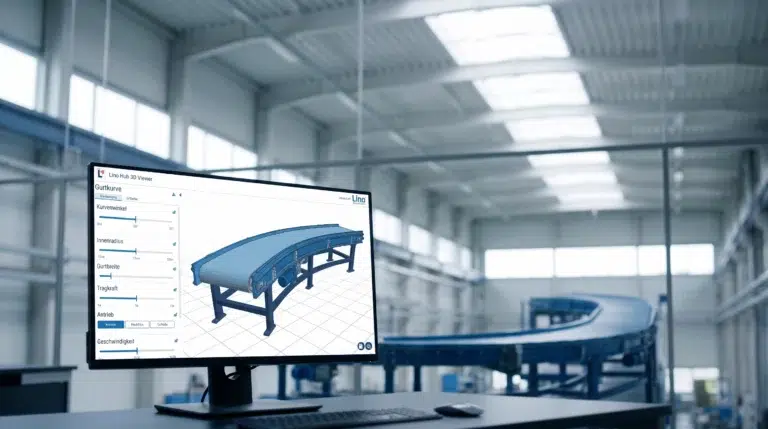
Conveyor Systems & Hoists: From Customer Request to PDM Release in One Hour
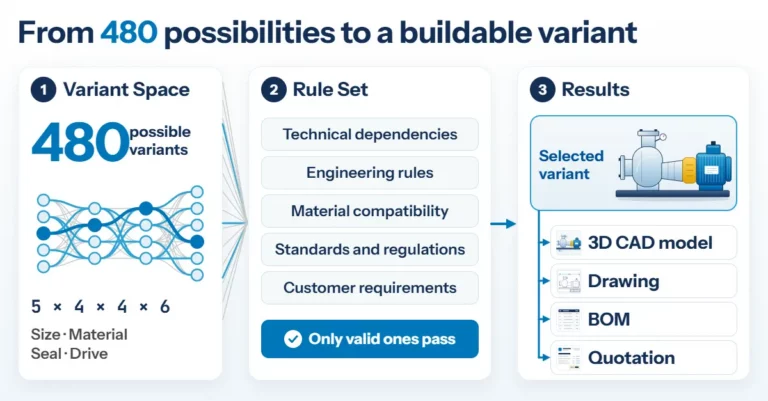
Product Configuration in Mechanical Engineering: How Rules Make Product Variety Manageable
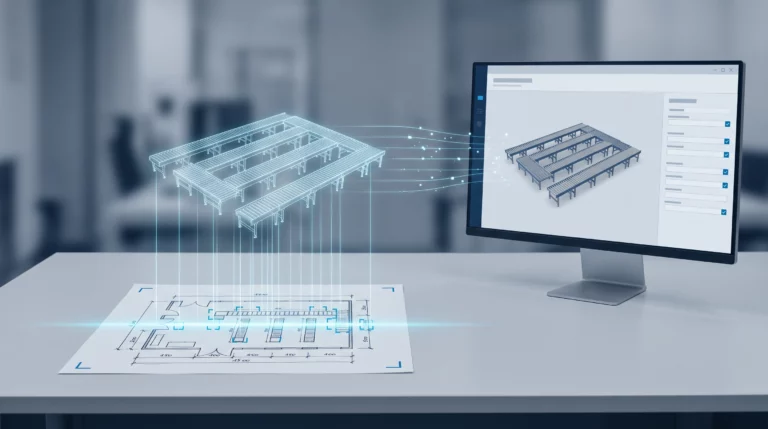
Engineering AI: Why Customer Requirements No Longer Need to Be Retyped
Frequently Asked Questions
These FAQs address questions about trainings in the context of the Lino portfolio.
Learn how Lino qualifies users, configurators and IT teams in mechanical and plant engineering for product configurators, CAD automation and integration platforms — in a hands-on, practice-oriented way. Discover which formats are available for Tacton® CPQ, Tacton® Design Automation, Lino® Hub and other Lino software products — and how targeted practice permanently secures user adoption of implemented solutions.
How does Lino ensure that training content keeps pace with ongoing software development and new AI capabilities?
Since Lino continuously invests in the further development of its software products — particularly the Lino® AI Agent, Lino® Hub and Lino® Automate — training content is regularly updated and extended with new functionalities. Participants therefore always receive current, practical knowledge that reflects the version of the product in use. Lino places particular emphasis on making AI-powered features clearly understandable: users learn how to interpret, validate and integrate AI recommendations within the Human-in-the-Loop principle into existing workflows — without requiring any prior knowledge of data science or machine learning.
For which target groups and experience levels are Lino training courses designed?
Lino training courses are designed for different roles and qualification levels within an organisation. For end users, the focus is on application-oriented training that conveys confident and efficient day-to-day use of configurators, CAD automation tools and integration platforms. Technical users, system administrators and IT managers benefit from in-depth training on system architecture, interface configuration and data flow management. In addition, Lino offers project-accompanying qualification measures that specifically foster change enablement and internal multipliers, a key success factor for the sustainable use of implemented solutions.
Why are Lino training courses a decisive building block for the long-term success of a software implementation?
Even the most technically sophisticated solution only delivers its full value when users apply it confidently and efficiently. Lino training courses are therefore not an optional add-on but an integral part of the Lino service promise: they secure user adoption, reduce post-go-live support overhead and protect the investment in automation and integration solutions over the long term. Through direct practical relevance – training content is based on real-world use cases from mechanical and plant engineering – participants can immediately transfer what they have learned to their daily work and achieve measurable efficiency gains.
What training formats does Lino offer for its software and integration products?
Lino offers a broad range of practice-oriented training formats tailored to the different learning contexts in mechanical and plant engineering: from compact online webinars and on-site workshops to product-specific training for end users and technical deep-dives for administrators and IT managers. The training programmes cover the entire Lino portfolio — including Tacton® CPQ, Tacton® Design Automation, the Cosling® Configurator, Lino® Hub, Lino® Automate and further software products. All formats are designed not merely to convey software operation, but to empower teams to independently master and further develop complex integration and automation processes.