


Lino 2D fix
Comprehensive Drawing Automation for Solidworks®
Lino® 2D fix is an add-on for Solidworks that helps users reposition views, dimensions, and other annotations in their engineering drawings. It can also automatically generate dimensions and BOM balloons for layout drawings, ensuring clear and consistent manufacturing documentation with minimal effort.
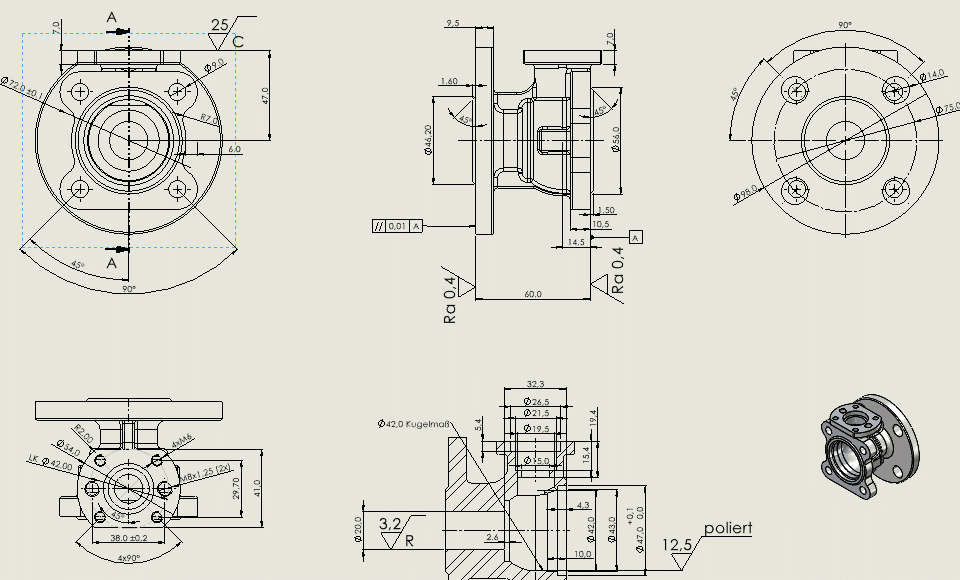
No More Manual Touch-Ups Thanks to Intelligent Repositioning
Automated variant design can create 3D models in seconds, but the real bottleneck often arises when preparing engineering drawings. Overlapping dimensions, misplaced part numbers, and cluttered views require tedious manual corrections. Our solution eliminates that effort. As a SolidWorks add‑in, it automates drawing preparation by intelligently repositioning all drawing elements into a clear, concise layout – ensuring your manufacturing documentation is created faster and with consistent quality.

Schedule a consultation easily and with no obligation, and see for yourself why Lino® 2D is the right choice.
Consistent Visuals Across Drawings
2D fix creates the finishing touch in your CAD automation workflow. It detects collisions and automatically repositions dimensions and annotations to their optimal locations. For complex products whose dimensions vary significantly based on configuration, the Add-In adjusts view positions and scales to ensure the sheet format is used effectively.
This process creates clear and consistent engineering drawings that are ready to send directly to manufacturing or your customer – without any manual intervention.
Seamless Integration into Your Workflow
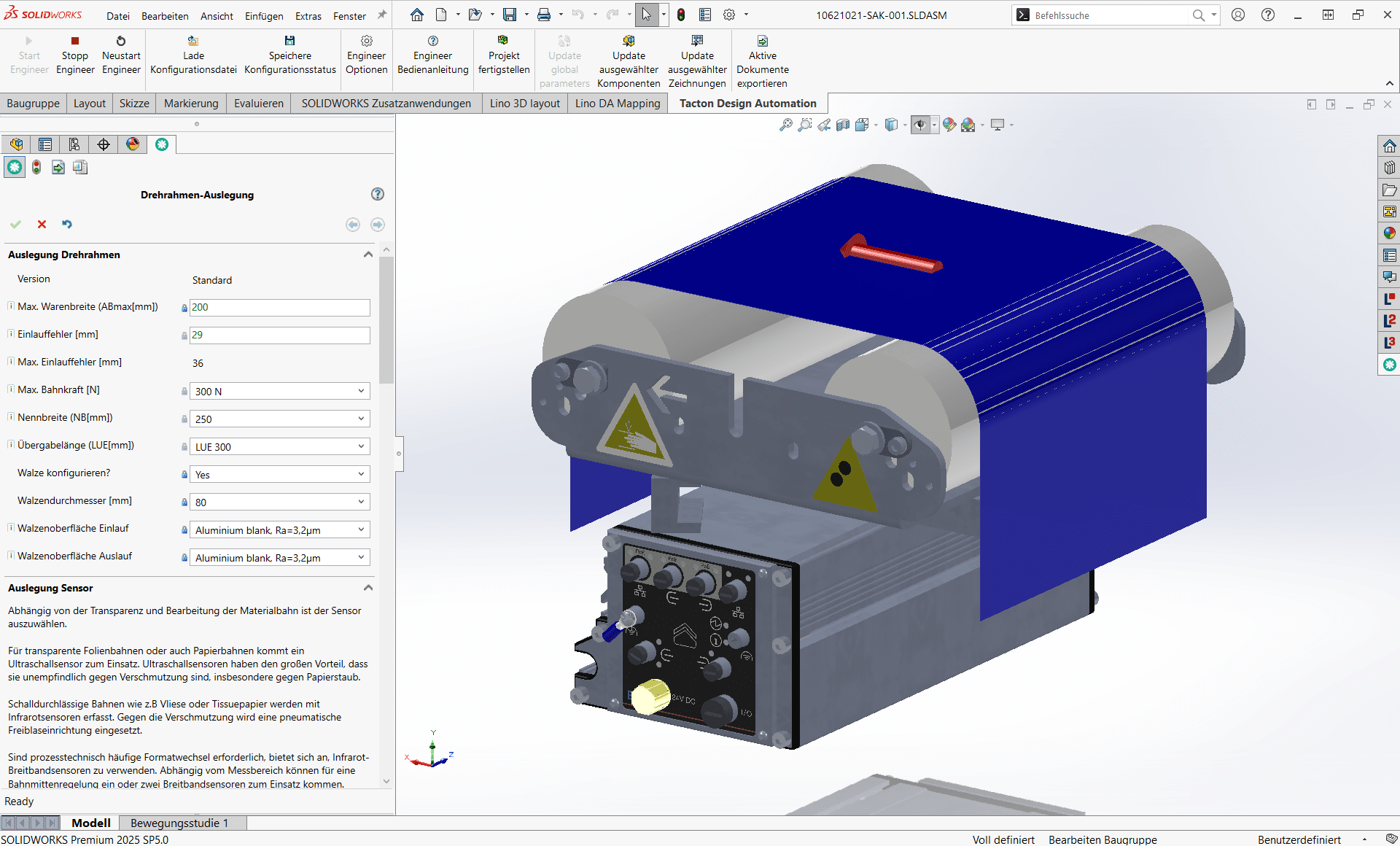
2D fix completes the digital thread when used alongside Tacton Design Automation or Lino Hub in your design workflow. While the configurator controls model geometry, the Add-In ensures error-free, easy-to-read documentation. Data flows seamlessly across your organization – from the initial inquiry to the final engineering drawing.
Benefits of Lino 2D fix
Take your engineering drawings to the next level.
Webinars
Register now for our free webinar or contact an expert for a personalized consultation.
Our webinars are intended exclusively for companies within our defined target audience.
Software for Lino 2D fix
Our software and solutions address the challenges that arise when industrial processes reach their limits: product variety, manual handoffs, and a lack of integration between sales, engineering, and IT.
Lino® 3D layout
Uses drag-and-drop and snap technology for collision-free layouts. Ensures seamless data flow from sales to installation without any data loss.

Tacton Design Automation
Transforms expert knowledge into intelligent rules to automatically generate complex 3D models, drawings, and bill of materials—saving up to 90% of engineering time.
Have your specific use case evaluated in a practical feasibility study – with a clear scope and a binding timeline.
- Clearly defined use case
- Minimized risk and transparent ROII
- Defined results within a fixed timeframe

Frequently Asked Questions
Knowledge base on automatic dimensioning and CAD drawing optimization.
Here you’ll learn how the Add-In automates the creation of drawings in SolidWorks.
From the intelligent repositioning of views to automatic dimensioning—for consistent, configuration-specific 2D drawings with reduced design effort.
Does Lino 2D fix support end-to-end processes in the company?
The solution enables continuous, automated processes from the CAD model to the finished drawing. This reduces bottlenecks in the design process and shortens engineering lead times.
How much effort is required to create the drawing templates?
So-called drawing masters need to be created. Thanks to a wide range of reference options and intelligent algorithms, the effort to set up these drawing masters is significantly lower than with rule-based automation tools. For example, dimensions can automatically move to an alternative position when the available space is no longer sufficient, without having to define a specific rule for this.
Can Lino 2D fix also be combined with product configurations?
Yes. In combination with Tacton Design Automation or other configurators, Lino 2D fix automates drawing creation for configuration-based variants, so that consistent technical documents are generated directly from the CAD process.
Does Lino 2D fix also work with layout drawings?
Yes. Lino 2D fix can automatically add dimensions and position labels to layout drawings generated from 3D layout plans (Lino 3D layout), making it easier to create consistent planning documents.
Does Lino 2D fix save time in drawing creation?
Yes. By automating dimensioning, view arrangement, and text placement, Lino 2D fix significantly reduces manual routine work. Design engineers gain time for value-adding tasks, and drawing creation becomes faster and more efficient.
How does Lino 2D fix integrate into existing CAD workflows?
Lino 2D fix is a native Solidworks® add-in that extends the CAD environment with automated drawing functions. It integrates seamlessly into existing design and engineering workflows without requiring separate applications.
Who is Lino 2D fix particularly suitable for?
The tool targets Solidworks users in mechanical and plant engineering who frequently work with variants, special-purpose designs, or automated design processes. Especially when CAD models are controlled automatically (for example via Tacton Design Automation), drawings can be generated fully automatically and the effort for model creation can be significantly reduced.
How does Lino 2D fix support special-purpose designs?
Special-purpose designs often result in shifted dimensions or overlapping views. Lino 2D fix solves these positioning tasks automatically so that drawings remain consistent, legible, and technically correct even for highly individualized variants.
Can Lino 2D fix generate dimensions automatically?
Yes. In addition to repositioning existing annotations, Lino 2D fix offers “automatic dimensioning” that creates 2D layout drawings with correct dimensions and BOM balloons – even for complex 3D layout plans.
How does Lino 2D fix support drawing automation?
Lino 2D fix detects when a 3D model has changed and automatically repositions drawing elements so that dimensions, tolerances, and views are displayed correctly again. This automation reduces manual adjustments and eliminates routine work for design engineers.
What is Lino 2D fix and what is it used for?
Lino 2D fix is an add-in for Solidworks® that supports drawing automation. After design changes, it automatically repositions views, dimensions, text, and other drawing elements – without manual rework. This produces consistent, configuration-specific drawings more quickly and without errors, saving time every day and increasing design throughput.
Latest News
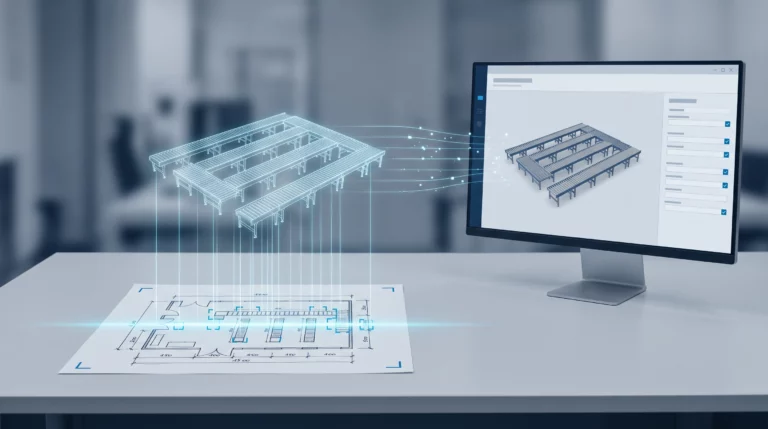
Engineering AI: Why Customer Requirements No Longer Need to Be Retyped
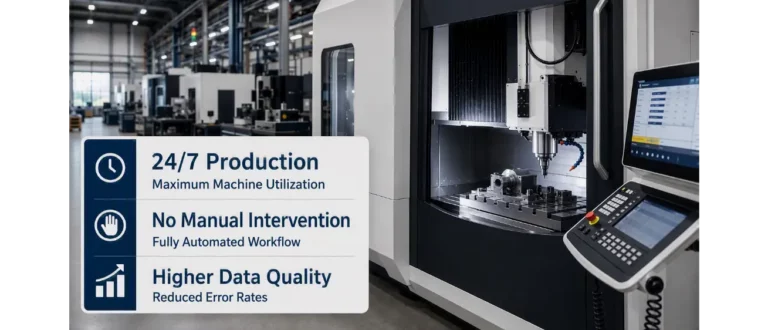
CAM Programming: Why No One Will Do It by Hand Anymore in the Future
