


Lino 3D layout
3D Layout Planning as Intuitive as Stacking Lego® Bricks
Currently most layout plans are still created in 2D CAD systems, even though all components exist as 3D models. This discrepancy reduces data quality and slows automation, often revealing problems only during manufacturing or installation. The Solidworks Add-in Lino® 3D layout provides a solution.

Intuitive Layout Design Fully Integrated Into Solidworks®
3D layout brings advanced layout planning capabilities directly into Solidworks, allowing you to design complex production lines and plant layouts natively in 3D. Instead of working with abstract floor plans, you create layouts that convey spatial relationships and reveal clearance or collision issues early. All models, references, and engineering data remain consistent and flow seamlessly into downstream processes.

Simply schedule a consultation—with no obligation—and see for yourself what 3D Layout has to offer.
Drag-and-Drop With Intuitive Snapping
Enjoy fast and effortless layout planning with the intuitive interface of 3D layout. Simply drag components from the library into your layout, and the hyper-accurate snap technology positions them automatically. Entire chains of components can be moved, rotated, copied, or replaced with detailed models in just a few clicks. All required mates are created in the background, ensuring a consistent layout from the start.
Layouts That Drive Decisions
Design layouts together with your customers and guide them through a clear, structured preview of your proposed solution. Key information for quotations and project planning – including layout drawings, load capacities, and utility connections – flows seamlessly from the CAD model into downstream processes. With Tacton Design Automation, you can incorporate configurable components into your layouts and ensure a smooth handover from sales to engineering.
Key Benefits of Lino 3D layout
Plan your next layout with ease using Lino 3D layout.
Webinars
Register now for our free webinar or contact an expert for a personalized consultation.
Our webinars are intended exclusively for companies within our defined target audience.
Software for Lino 3D layout
Our software and solutions address the challenges that arise when industrial processes reach their limits: product variety, manual handoffs, and a lack of integration between sales, engineering, and IT.
Lino® Hub
Seamlessly connects sales, engineering, and manufacturing for end-to-end digital processes.
Seamlessly integrates CPQ, CAD, ERP, and PDM for error-free, automated data flows without media breaks.

Lino® 2D fix
Drawing automation without manual adjustments for production-ready layouts.
Automatically optimizes drawing layouts, avoids dimension conflicts, and dynamically adjusts scales.
Tacton CPQ
The constraint-based engine intuitively guides users to a technically sound solution. It significantly speeds up the quote generation process and ensures maximum price transparency through automated real-time calculations for the sales team.
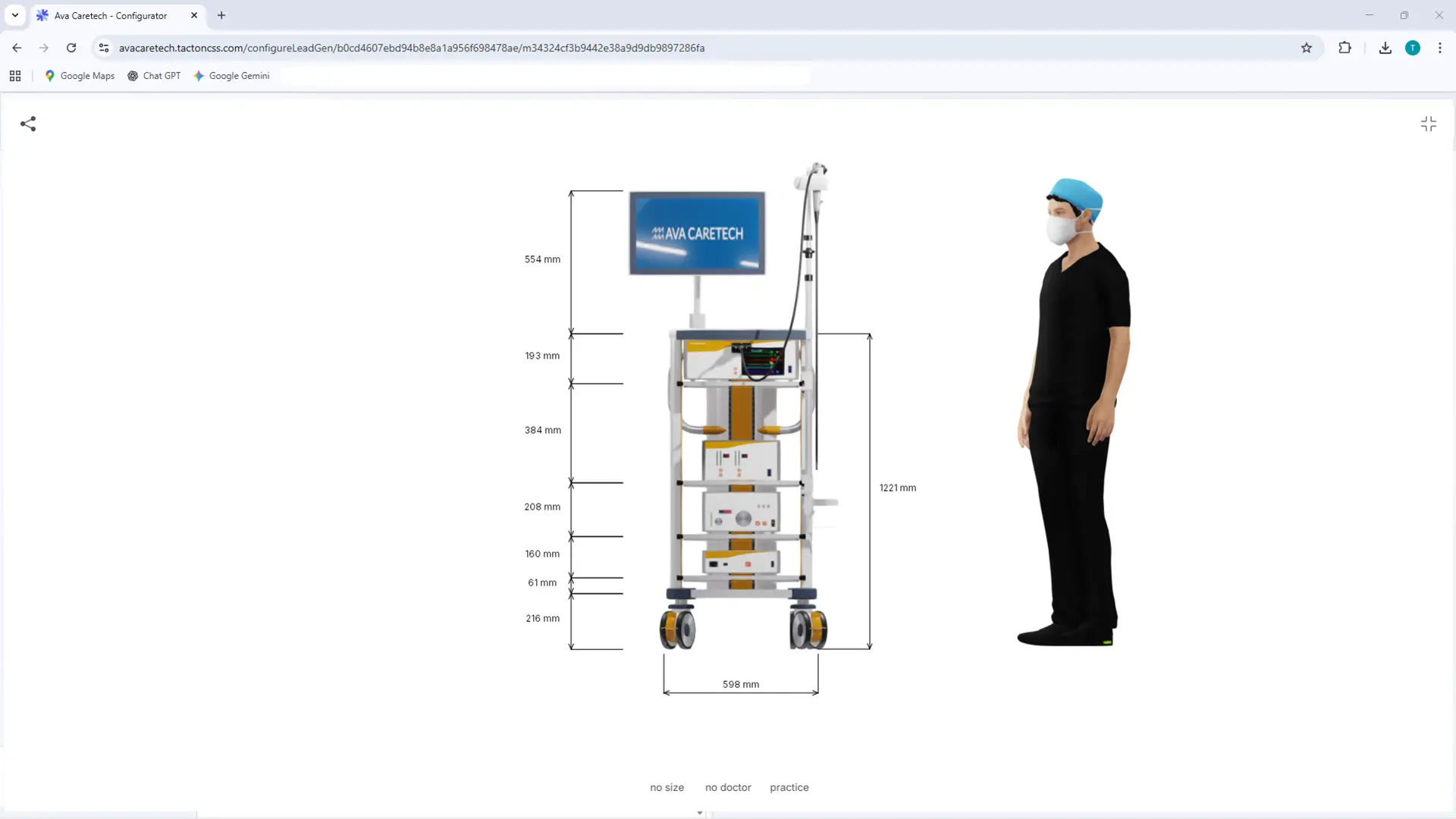
Tacton Design Automation
Transforms expert knowledge into intelligent rules to automatically generate complex 3D models, drawings, and bill of materials—saving up to 90% of engineering time.
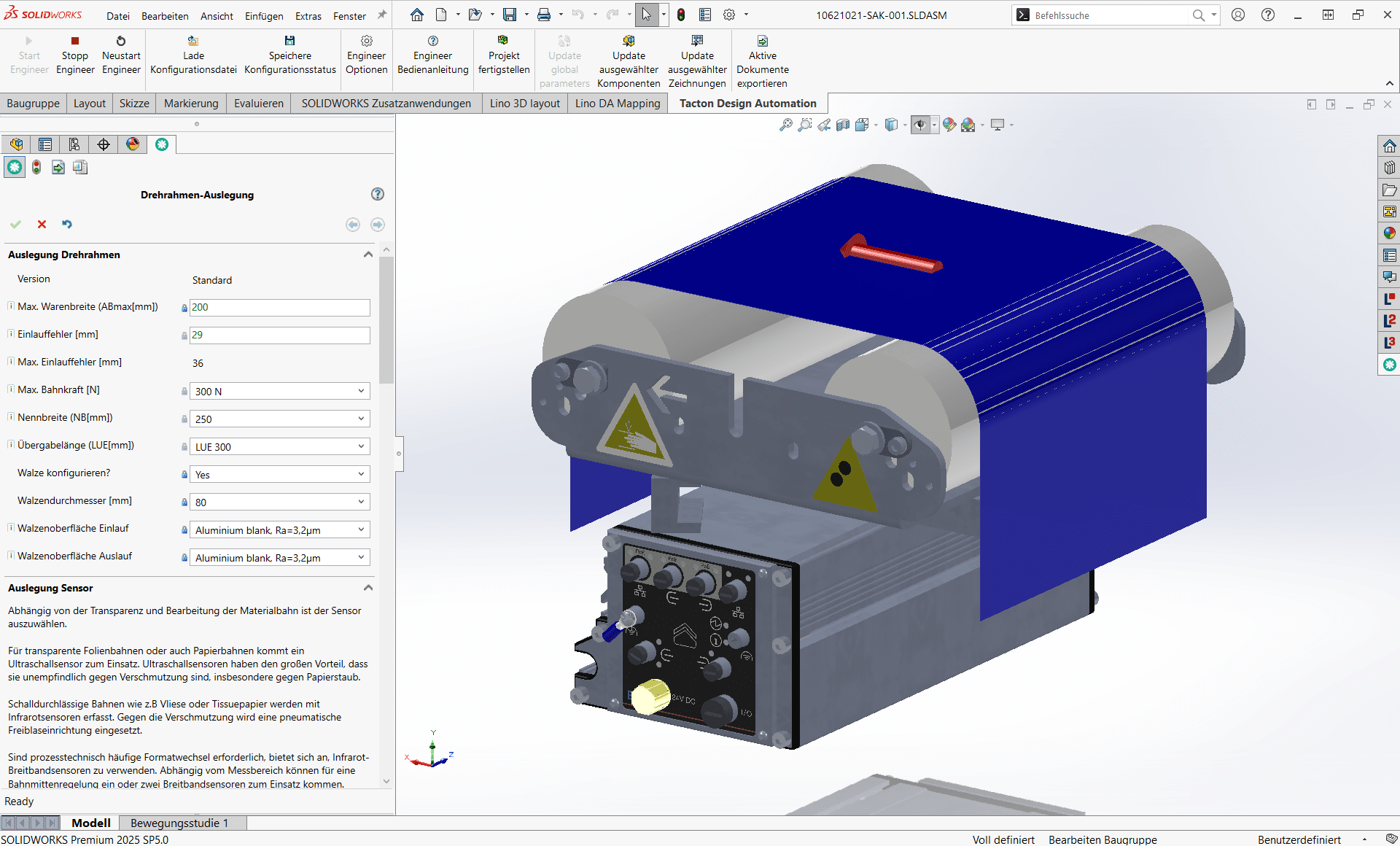
See for yourself, using your specific use case, how complex processes are simplified, systems are integrated and automation delivers measurable results.
- Practical demo with realistic use cases
- The next step for your digital transformation project
- Measurable benefits and ROI in record time

Frequently Asked Questions
The FAQs answer questions about 3D layout planning with 3D Layout.
Learn how to plan, visualize, and integrate machines and systems into the quoting process using drag-and-drop – quickly, intuitively, and without collisions.
What is Lino 3D layout and what is it used for?
Lino 3D layout is a Solidworks-integrated tool for 3D layout planning of industrial plants and machinery. It enables users to position, configure, and assemble components into complete systems with ease. Even employees with limited CAD knowledge can quickly create meaningful 3D layouts that are used in sales, project planning, and engineering.
How does 3D layout creation in Solidworks work?
The software uses drag-and-drop functions and precise snap technology so that components can be placed and aligned intuitively. Users select the required industrial components from a library and insert them into the project via mouse movement. This allows 3D layouts to be created much faster than with traditional methods.
What advantages does Lino 3D layout offer for sales teams?
Sales staff can create tailored 3D layout plans directly at the customer site and review them together in real time. This improves presentations, builds trust, and speeds up quotation processes – without a detour via project engineering.
Does Lino 3D layout also support large plant layouts?
Yes. Thanks to the integration of Solidworks virtualization technology, even very large plant layouts can be opened, edited, and shared quickly without compromising performance.
Can employees without 3D CAD experience also create layouts?
Yes. Lino 3D layout is so user-friendly that even users with limited Solidworks experience can quickly create comprehensive 3D layouts, because drag-and-drop components and intuitive tools are available.
How does 3D planning help prevent errors?
Interactive 3D visualization makes it possible to detect collisions, fit issues, and layout errors at an early stage—long before installation or manufacturing begins. This reduces rework and lowers follow-up costs.
Can Lino 3D layout be combined with other automation tools?
Yes. Lino 3D layout reaches its full potential especially in combination with Tacton Design Automation. Components, rules, and configurable elements are then seamlessly integrated to support automated workflows from layout to detailed design.
Which industries benefit from 3D layout planning with Lino?
Lino 3D Layout is used across a wide range of industries—for example in plant engineering, silo and tank construction, steel construction, chemical plants, and packaging systems—wherever realistic 3D layouts are needed for planning, sales, or project engineering.
What are the advantages of starting the planning process directly in the CAD system?
All models are already native CAD documents during the planning phase and are usually simplified. These models can be reused in design without media disruptions. For this purpose, Lino 3D layout offers an exchange function that allows constructive and simplified models to be swapped during or after the planning process.
Can customer drawings, STEP files, or other exchange formats also be imported?
Yes. Any format that Solidworks can import can be used in the layout. In particular, DWG/DXF drawings from customers or STEP files from suppliers can be easily inserted into the layout assembly.
Latest News
Engineering AI: Why Customer Requirements No Longer Need to Be Retyped
CAM Programming: Why No One Will Do It by Hand Anymore in the Future
