


Tacton Design Automation
The turbo boost for your CAD design
With Tacton Design Automation, you can configure, design, and manufacture custom products in record time. The Tacton Design Automation solution is fully integrated into the SolidWorks® 3D CAD system and enables the automatic generation of customized 3D CAD models, drawings, and bills of materials based on specific customer requirements.
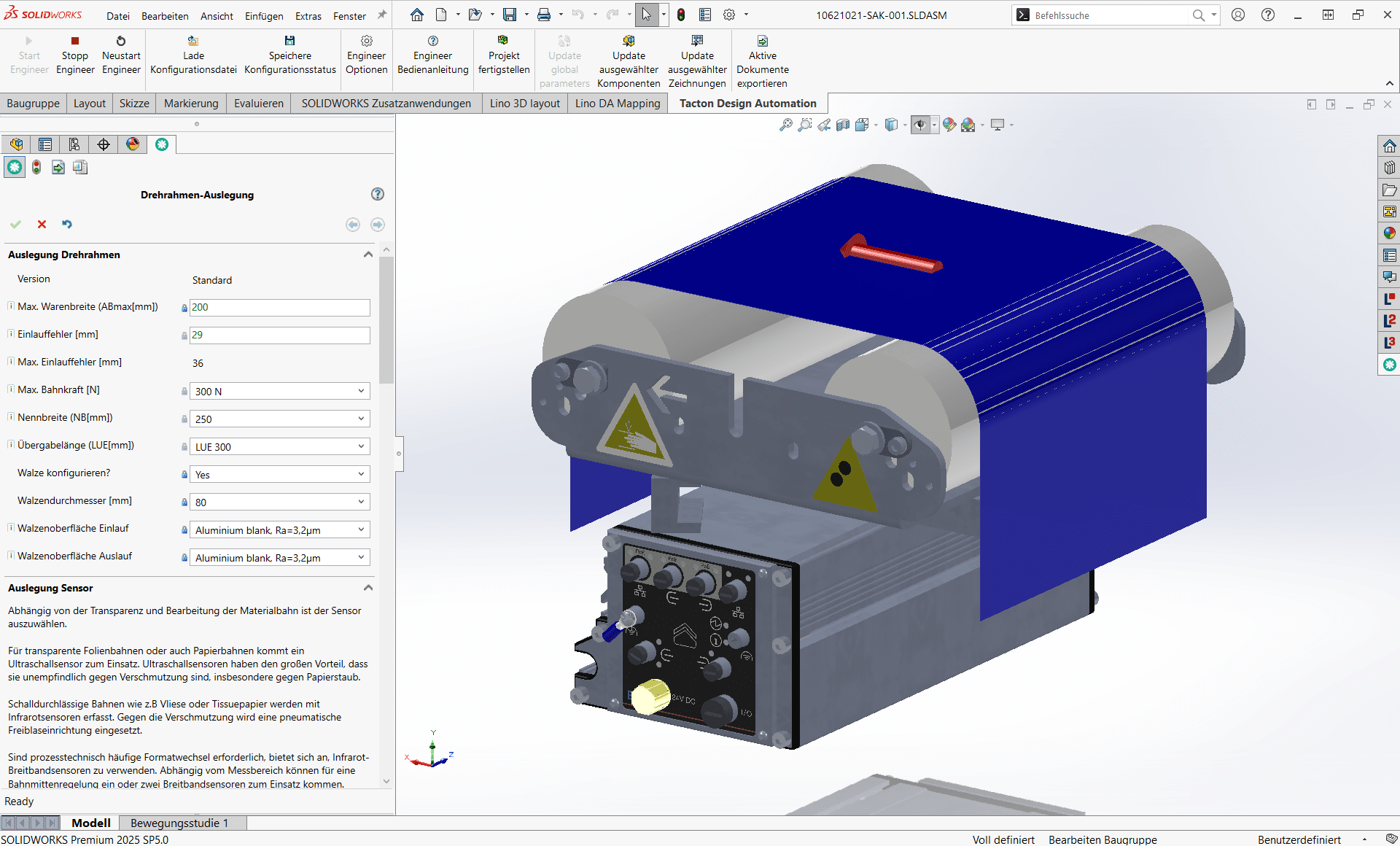
Scaling Engineering Expertise –Automated Order Processing for SolidWorks, Inventor, and Creo
In the modern manufacturing industry, the manual design of product variants is often the bottleneck in the entire process. Tacton Design Automation breaks down these barriers. As the world’s leading solution for rule-based design automation, it enables companies to translate the knowledge of their best engineers into intelligent rule sets. As a result, complex 3D models and manufacturing documents are created not in days, but in minutes.

Schedule a consultation easily and with no obligation, and see for yourself what Design Automation has to offer.
Seamless integration into your CAD environment
What sets TDA apart is its deep, bidirectional integration with market-leading CAD systems. Whether you use Dassault Systèmes SolidWorks, Autodesk Inventor, or PTC Creo, Tacton integrates directly into your familiar work environment. Instead of manually modeling new components each time, Tacton controls the parameters of your existing CAD models via a central set of logical rules. As soon as a configuration is complete, the software automatically updates the geometry, the assembly structure, and all associated drawings.
Error-free processes from sales to manufacturing
By aligning business requirements with technical feasibility, Tacton Design Automation eliminates costly design errors. When the sales team configures a product, the system already “knows” in the background which dimensions and components are technically feasible in SolidWorks, Inventor, or Creo. Once approved, CAD data, documents, and bills of materials (BOMs) are automatically generated, ensuring the “digital thread”—the common thread of data—throughout your entire company.
Key Benefits of Tacton Design Automation
Make your design future-proof—with Tacton Design Automation and Lino’s expertise.
Webinars
Register now for our free webinar or contact an expert for a personalized consultation.
Our webinars are intended exclusively for companies within our defined target audience.
Software for Tacton Design Automation
Our software and solutions address the challenges that arise when industrial processes reach their limits: product variety, manual handoffs, and a lack of integration between sales, engineering, and IT.
Lino® Automate
Transforms routine CAD tasks into fully automated workflows using intelligent action lists and seamlessly integrates them with PDM, PLM, or ERP systems—for maximum time savings.
Lino® 2D fix
Drawing automation without manual adjustments for production-ready layouts.
Automatically optimizes drawing layouts, avoids dimension conflicts, and dynamically adjusts scales.
Lino® 3D layout
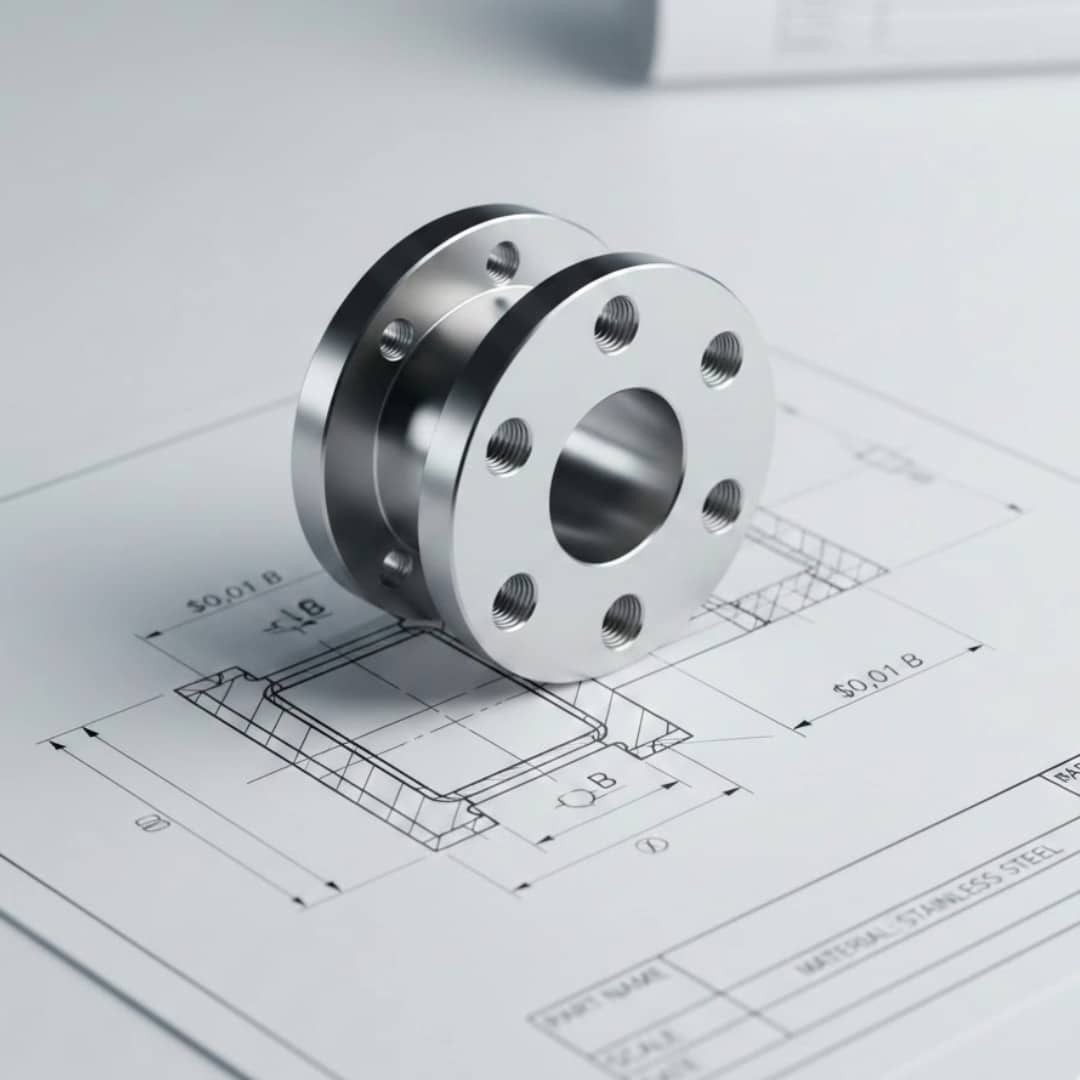
Uses drag-and-drop and snap technology for collision-free layouts. Ensures seamless data flow from sales to installation without any data loss.

Tacton CPQ
The constraint-based engine intuitively guides users to a technically sound solution. It significantly speeds up the quote generation process and ensures maximum price transparency through automated real-time calculations for the sales team.
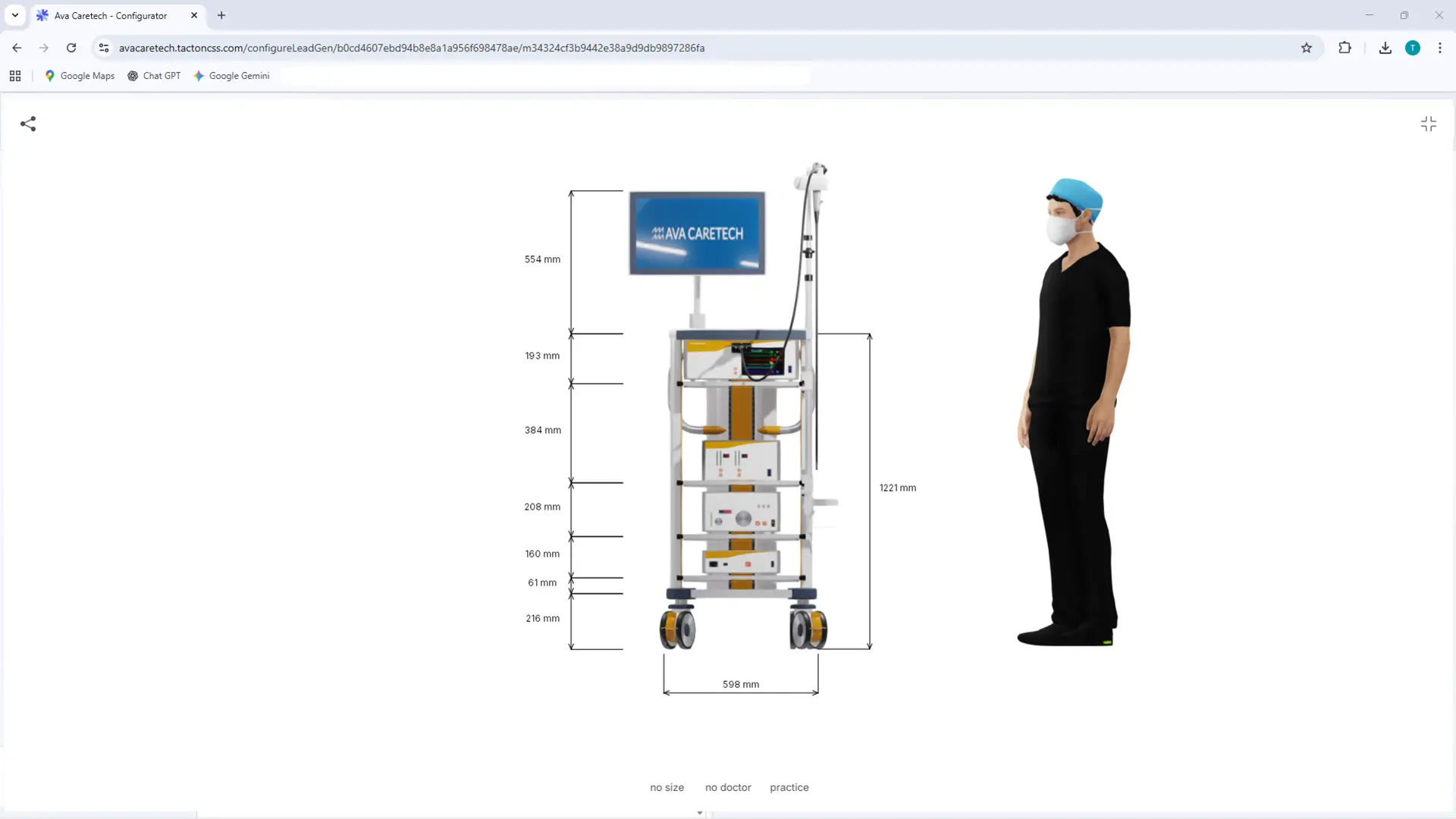
See for yourself, using your specific use case, how complex processes are simplified and systems are integrated. Experience firsthand how automation delivers measurable results.
- Practical demo with realistic use cases
- The next step for your digital transformation project
- Measurable benefits and ROI in record time
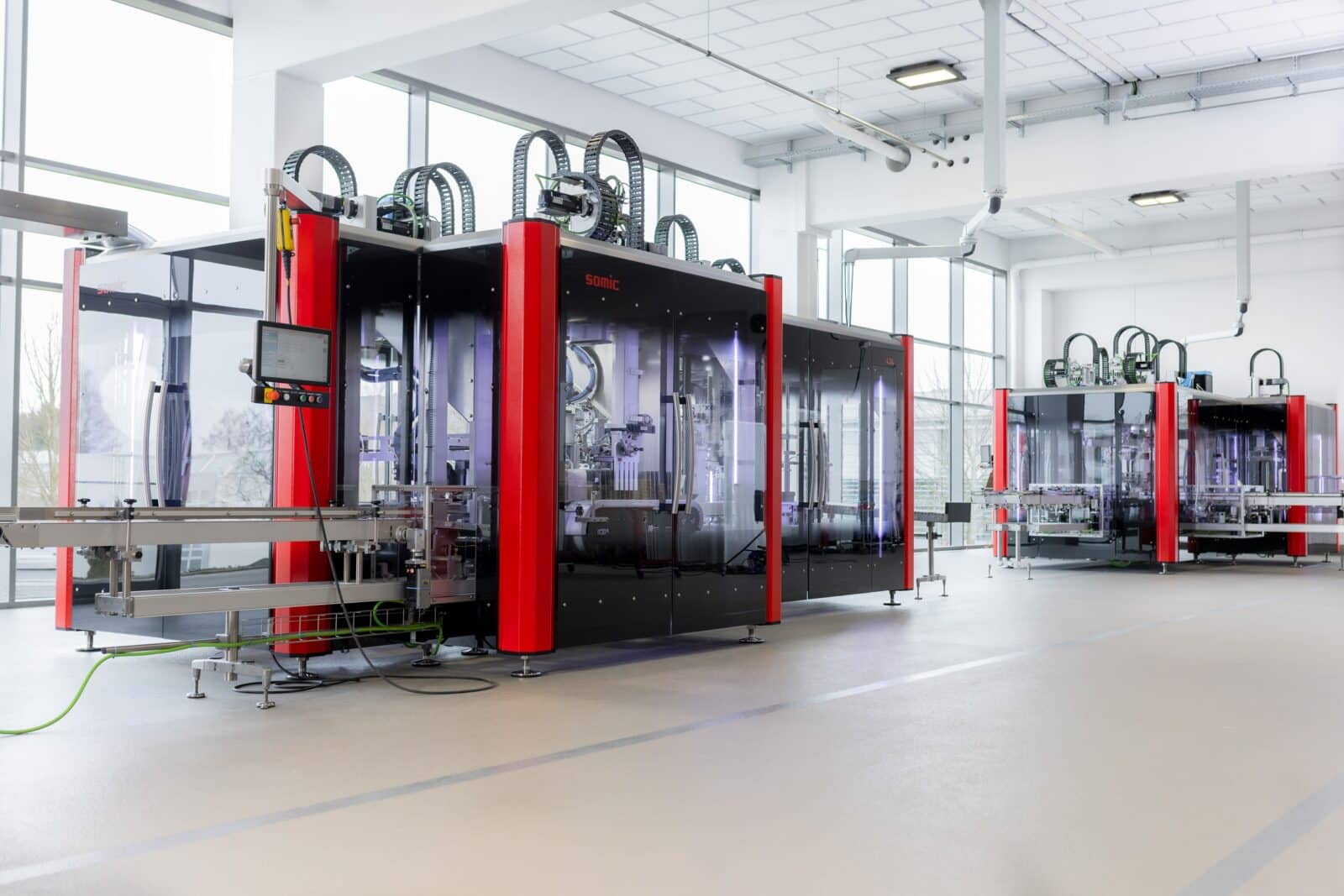
Partnerships That Drive Innovation
We build partnerships with leading technology companies, universities, research institutes, consulting firms, and customers—deliberately, for the long term, and as equals. The Lino Team stands for Leading Innovation and excellent service. That is why we select our partners with great care and always act in a spirit of partnership, transparency, and mutual benefit. This leads to collaborations that drive innovation and create sustainable value.


Frequently Asked Questions
Knowledge base on parametric model generation and engineering efficiency.
This section explains how CAD models, drawings, and bills of materials are automatically generated from configuration rules.
This significantly reduces engineering effort and shortens lead times, particularly for custom-built machines.
What is Tacton Design Automation?
Tacton Design Automation is a software solution for design engineers that automates routine tasks in the CAD system. By linking design rules with CAD models, customer-specific 3D models, 2D drawings, and bills of materials are created at the push of a button without having to redraw them manually.
For which CAD systems is the software available?
Tacton Design Automation is available as a seamlessly integrated add-in for the market-leading CAD systems. These include, in particular, Dassault Systèmes SolidWorks, Autodesk Inventor, and PTC Creo. The design engineers work continuously in their familiar CAD environment.
What is the master model principle?
Instead of creating a separate drawing for each product variant, the design engineer creates a single, flexible “master model.” This model contains the complete geometry and all possible components. Tacton controls this model using parameters and rules to dynamically generate the desired variant—for example, by hiding or scaling individual parts.
Do you need programming skills to create rules?
No, the rules and logical links are defined via a user-friendly interface directly in the CAD system. No programming skills are required. Design engineers can simply store their technical product knowledge in the system in the form of logical conditions and parameters.
Which documents does Tacton Design Automation generate?
The system automatically generates all necessary manufacturing documents. 3D models, production-ready 2D drawings, and bills of materials (BOM) can be output in the native CAD formats as well as in numerous other export formats such as PDF, DXF, and STEP.
Can the solution also be used without Tacton CPQ?
Yes, Tacton Design Automation can be used as a standalone solution in the engineering department to accelerate internal processes. For maximum benefit, it can later be seamlessly connected with sales (Tacton CPQ) to automate the entire process from quote to manufacturing.
How does the software help with Engineer-to-Order (ETO)?
In ETO processes, engineers often spend a lot of time adapting existing designs for new customer orders. Tacton automates these routine adjustments. This transforms the time-consuming ETO process into a fast Configure-to-Order (CTO) or CTO(+) process, which massively saves time and costs.
Can a Configure-to-Order process be combined with ETO (custom design)?
Yes, that is exactly what the CTO(+) process describes. Because Tacton Design Automation controls the native CAD models, they can also be edited manually afterwards. This means, for example, that a design order can be 90% configured and 10% manually expanded.
Are 2D drawings really created completely automatically?
Yes, the automation goes far beyond the 3D model. Tacton automatically adjusts views in the 2D drawings, scales dimensions, moves bill of material tables, and updates the title block so that the drawing can be used directly for production.
How are design errors avoided?
The set of rules stored in the system ensures that only technically feasible and approved variants are generated. This eliminates human error during manual design.he produced CAD data and bills of materials are always 100% correct and buildable.
How quickly does the implementation pay off?
Because the software often reduces the design time for customer-specific adjustments from several days to a few minutes, the Return on Investment (ROI) is very high.Most companies amortize the investment within the first year through the working time gained and errors avoided.
Latest News
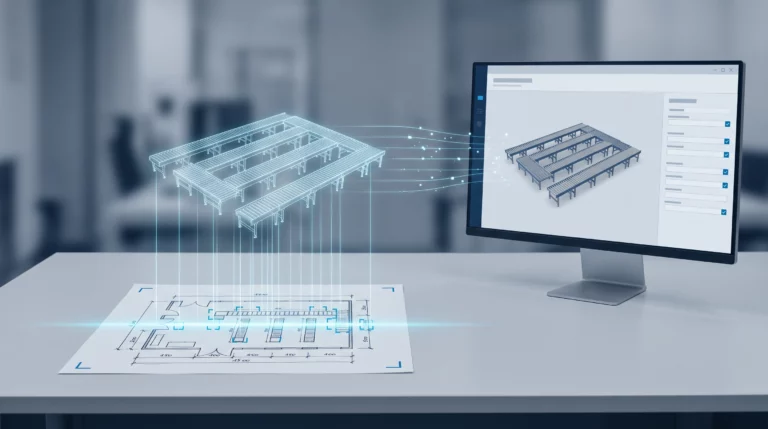
Engineering AI: Why Customer Requirements No Longer Need to Be Retyped
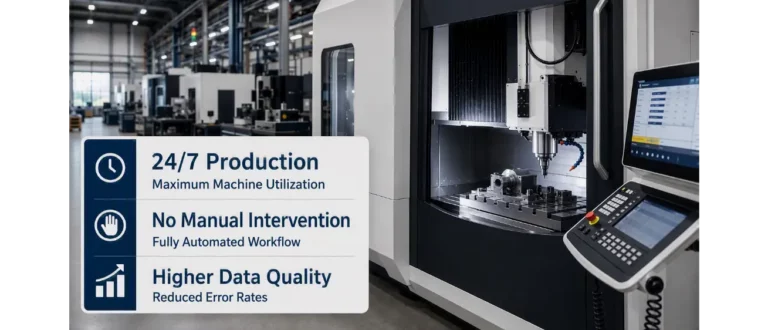
CAM Programming: Why No One Will Do It by Hand Anymore in the Future
