


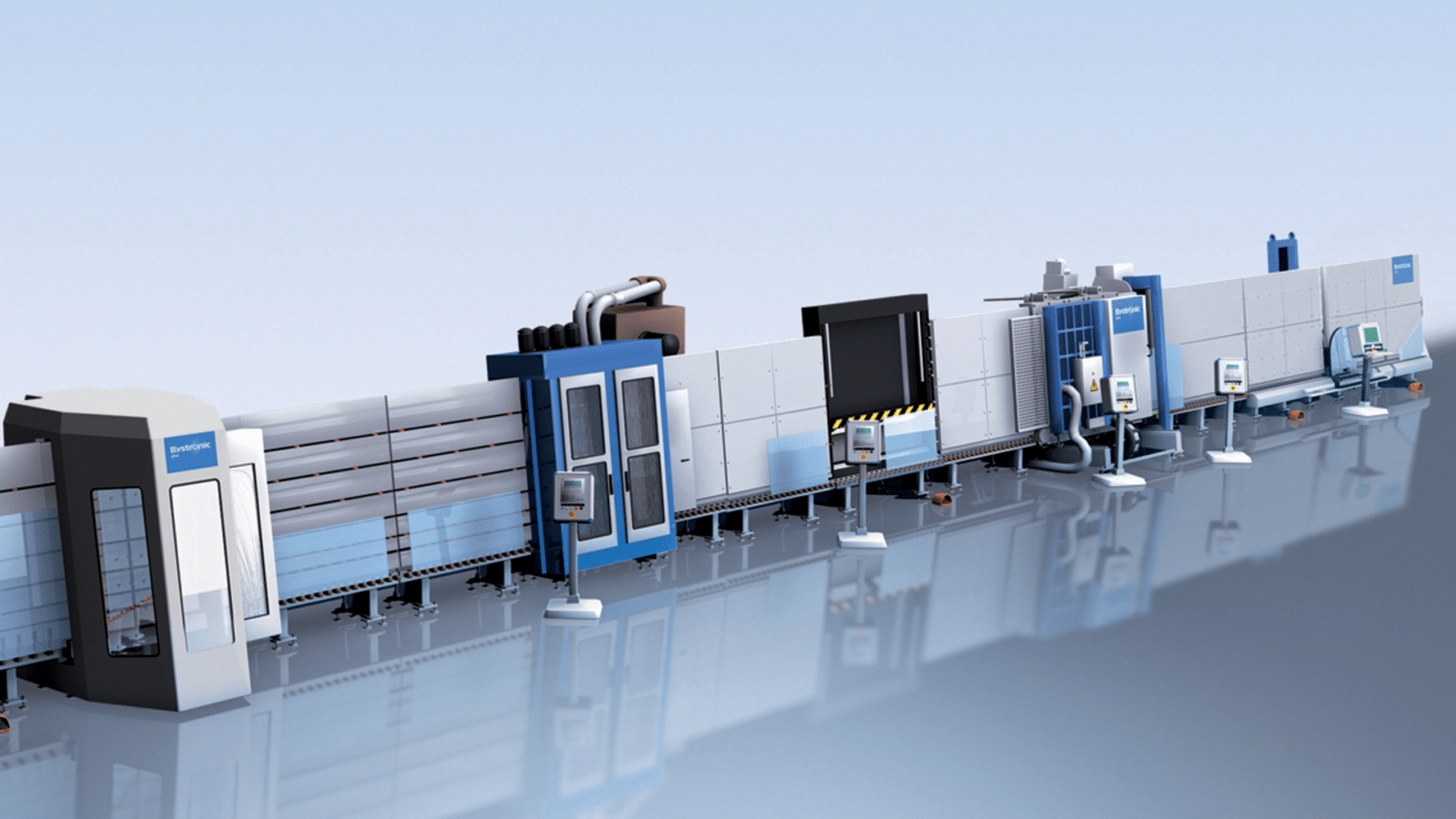
Do you often face the challenge during layout planning that manual changes in Solidworks consume valuable hours or even days? When components need to be moved, rotated, or dependencies redefined, the process grinds to a halt. It doesn’t have to be that way.
In this webinar, we’ll show you live how the synergy between Tacton Design Automation and Lino 3D Layout revolutionizes your design process. See how you can create complex layouts not only faster but also error-free.
We’ll walk you through an example process:
- Intelligent layout creation: How to place initial components and automatically avoid conflicts right from the start.
- Flexibility at the click of a button: Learn how Lino 3D layout replaces tedious manual connection work—a single click is all it takes to rotate components or manipulate entire chains.
- Global parameters: We’ll show you how Tacton controls the logic in the background. Define precisely which dimensions apply globally and where individual configurations are needed.
- From the big picture to the details: See how you can work efficiently with simplified models and seamlessly replace them with detailed, production-ready assemblies—including accurate BOM information.
The benefits for you:
Discover how to move away from manually shuffling individual parts toward automated configuration. We’ll show you how the system handles the calculations while you focus on the optimal design.
The webinar will be held in German, but we will provide an English translation afterwards.
Register for Tacton Design Automation for Solidworks with Lino 3D layout
"*" indicates required fields