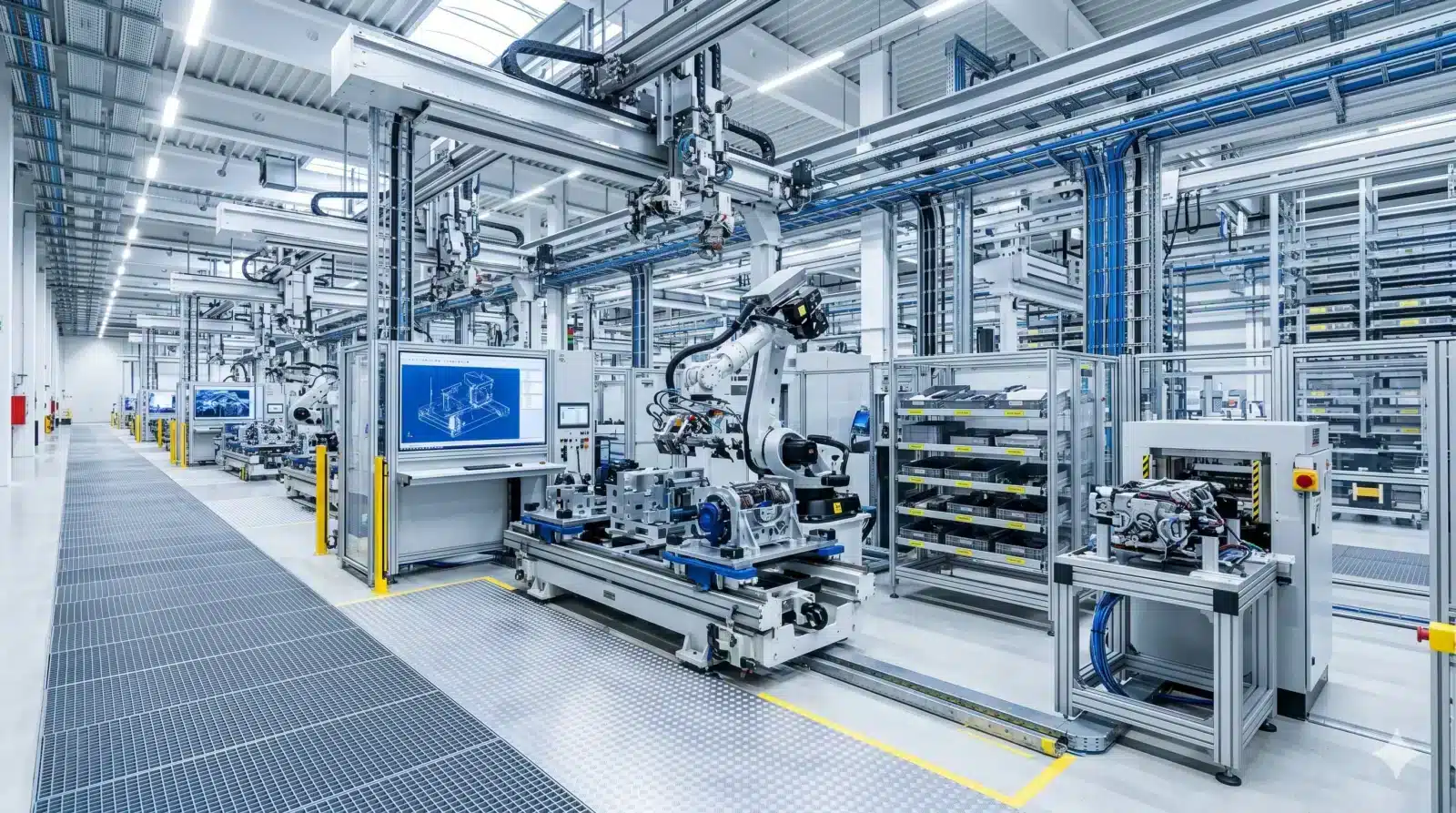
Design engineering
that keeps pace with complexity
Rule-based automation takes care of routine variants, giving design engineers time back for real engineering — while maintaining consistent data quality under a zero-defect principle.
In Focus
The “bottleneck” in order processing
From the perspective of design experts, the core problems are variant explosion, long quotation cycles, error-proneness, and system breaks between CAD, PDM, and ERP. That’s exactly where we come in.
Variant explosion meets manual processes
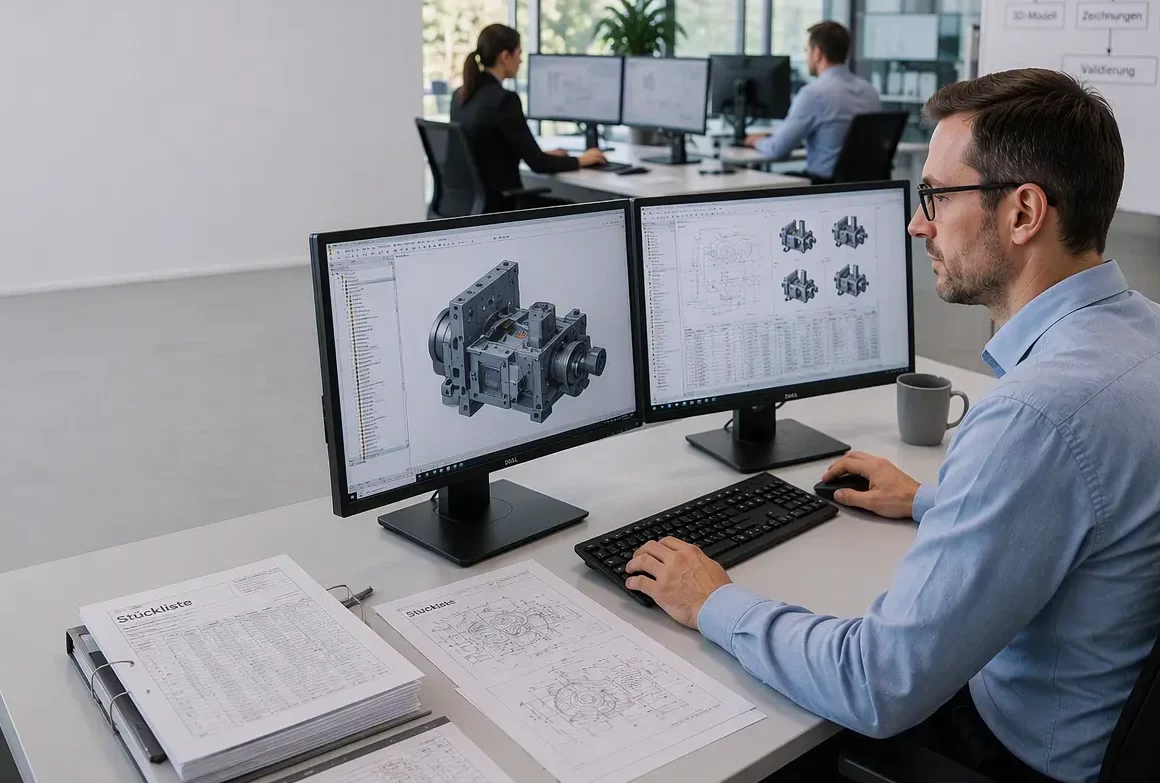
Hundreds of machine variants, each with individual dimensions, options, and assemblies — combined with long quotation cycles due to a lack of technical validation in sales, error-proneness in BOMs and drawing documentation, and system breaks between CAD, PDM, and ERP systems.
Design engineers aren’t too slow – they simply spend most of their time on repetitive variants instead of on innovation and real engineering.
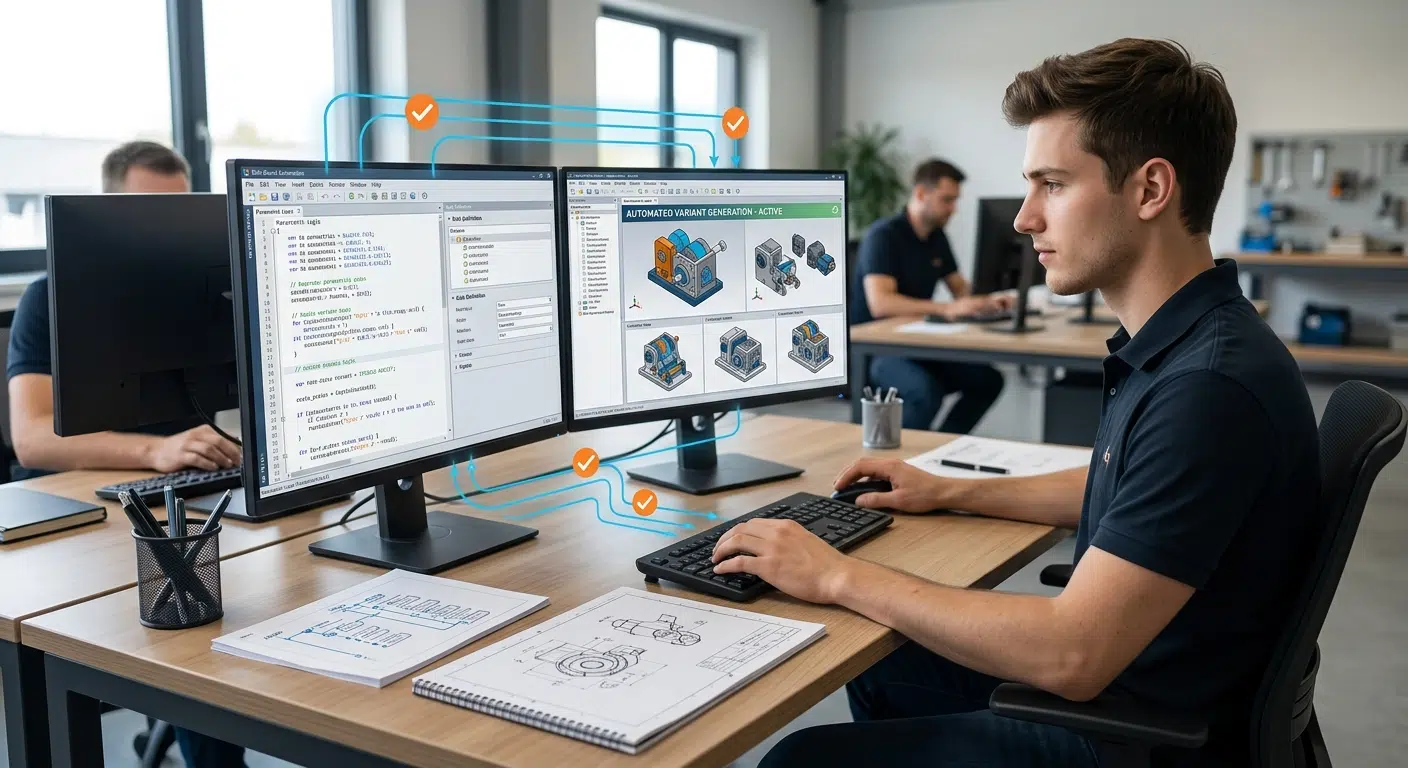
Rule-based design automation instead of manual repetition
3D models, drawings, and BOMs are generated automatically and validated at the same time – instead of needing to be corrected afterward. This frees up capacity, shortens lead times, and creates a reliable data foundation.
Three key benefits:
- No need to replace your existing CAD/PDM/ERP infrastructure
- Validation happens right at creation, not later in review
- Design engineers gain capacity for strategic engineering
What design teams deal with every day
Mastering variant explosion
Keep design capacity from having to scale linearly as order volume and product variants grow.
Drawing automation
Generate manufacturing drawings directly from the 3D model. Layouts, dimensioning, and the BOM are created automatically alongside it.
3D model simplification
Reduce complex assemblies for performance and sharing — including protection of sensitive design know-how.
3D layout planning
Plan and check plant layouts for collisions in 3D, directly in the CAD system, all the way through to assembly.
PDM system integration
Connect CAD, PDM, ERP, and CRM seamlessly via Lino Hub and put an end to data silos.
Engineering AI
Capture requirements from configuration and product development by voice, and let designs be optimized automatically.
Software for Engineering leaders
Our software and solutions address the challenges that arise when industrial processes reach their limits: product variety, manual handoffs, and a lack of integration between sales, engineering, manufacturing and IT.
Lino® Hub
Seamlessly connects sales, engineering, and manufacturing for end-to-end digital processes.
Seamlessly integrates CPQ, CAD, ERP, and PDM for error-free, automated data flows without media breaks.

Lino® Automate
Transforms routine CAD tasks into fully automated workflows using intelligent action lists and seamlessly integrates them with PDM, PLM, or ERP systems—for maximum time savings.
Lino® Simplify
Reduces 3D complexity for maximum performance and secure protection of intellectual property.

Lino® 2D fix
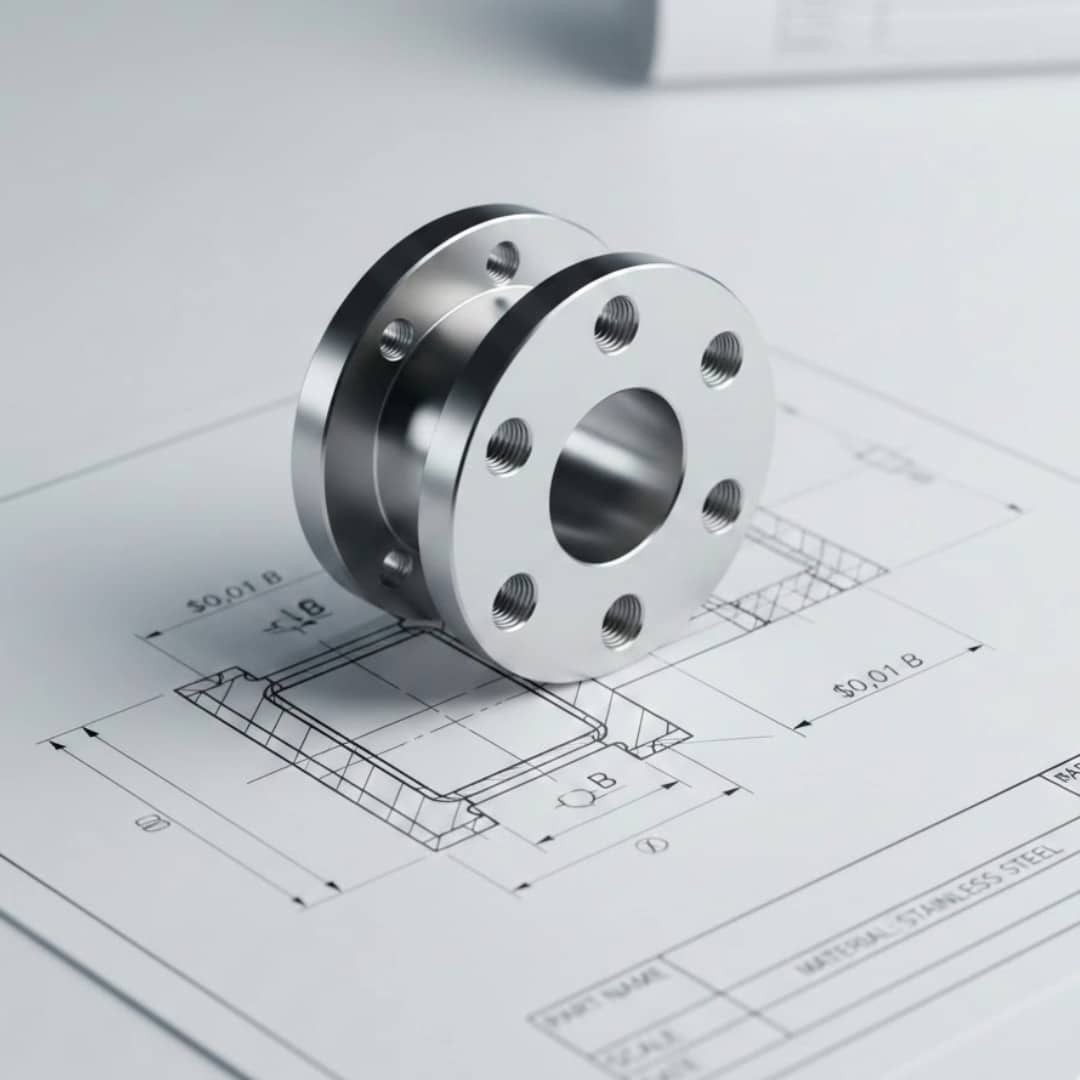
Drawing automation without manual adjustments for production-ready layouts.
Automatically optimizes drawing layouts, avoids dimension conflicts, and dynamically adjusts scales.
Lino® 3D layout
Uses drag-and-drop and snap technology for collision-free layouts. Ensures seamless data flow from sales to installation without any data loss.

Lino® AI Agent
Intuitively captures requirements through voice input, prevents configuration errors, and connects requests directly to CAD automation and ERP systems for a seamless digital workflow.

Latest News
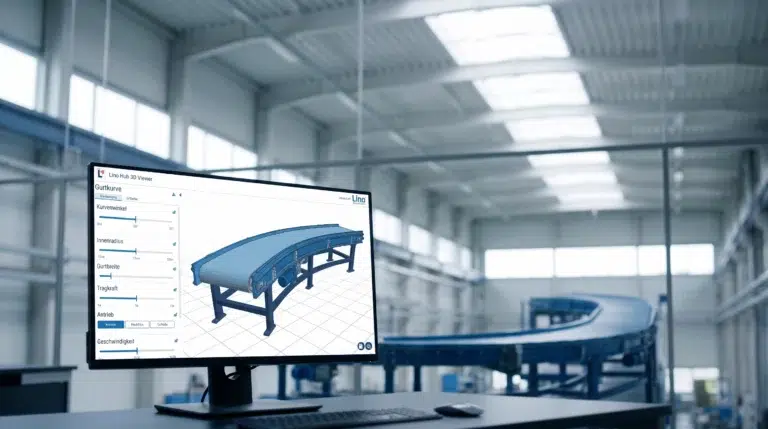
Conveyor Systems & Hoists: From Customer Request to PDM Release in One Hour
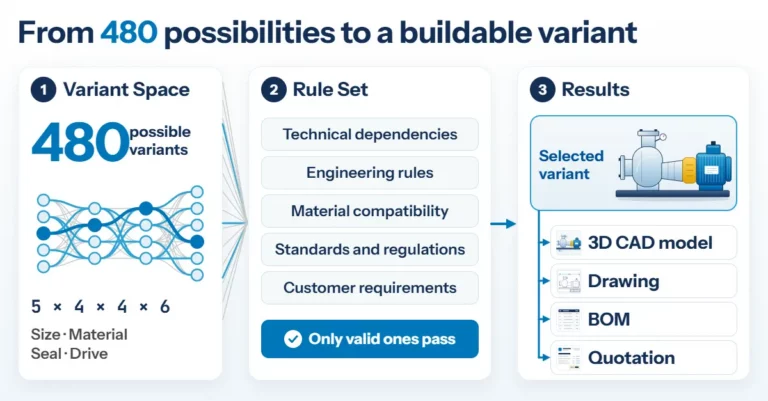
Product Configuration in Mechanical Engineering: How Rules Make Product Variety Manageable
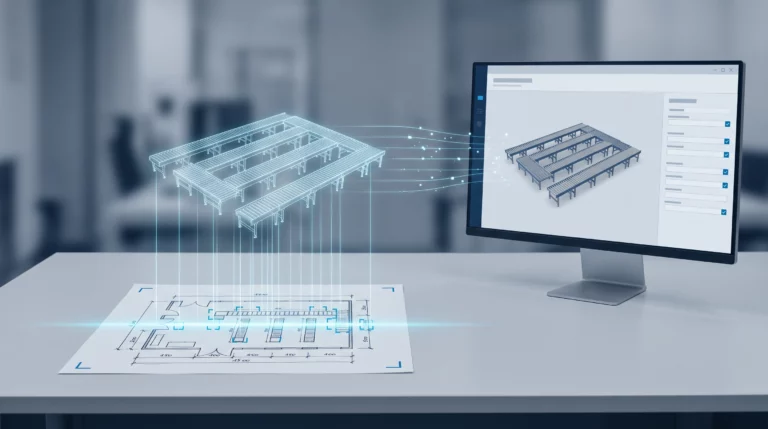
Engineering AI: Why Customer Requirements No Longer Need to Be Retyped
Frequently Asked Questions
Knowledge base on design automation, rule-based systems, and proof of benefits.
Here you’ll find answers for design managers who want to implement design automation in their own departments. Learn how to demonstrate the benefits internally, what qualifications your team needs for rule set maintenance, and where automation reaches its limits.
How do I make the case for Design Automation internally to management?
The proof-of-concept delivers measurable KPIs for your specific use case from day one, instead of general promises.
What qualifications does my team need to maintain the rule set independently in the long run?
Maintenance is handled through configurable rules and action lists, not classic programming. Designers with CAD experience can extend rule sets independently after training.
Where does automation reach its limits — what remains manual work for our designers?
Genuine one-off, custom designs outside the rule set remain deliberately manual design work. The CTO(+) approach allows a flexible split between automation and manual refinement.
What happens to our existing CAD standards and drawing templates during implementation?
Existing norms, title blocks, and dimensioning standards are incorporated into the rule set rather than replaced.
How much preparatory work does our own design department need to do to build the rule set?
The underlying product knowledge comes from your team. During the proof-of-concept phase, the rule set is developed jointly around one clearly scoped use case, keeping the effort predictable.
See for yourself, using your specific use case, how complex processes are simplified, systems are integrated and automation delivers measurable results.
- Practical demo with realistic use cases
- The next step for your digital transformation project
- Measurable benefits and ROI in record time