


Implementation
without replacing existing systems
Lino Hub connects CAD, PDM, ERP, CRM, and other systems through standardized, bidirectional interfaces — deployed on-premise or as cloud hosting, with guaranteed auditability of data flows.
In Focus
The patchwork in order processing
At many manufacturing companies, CAD, PDM, ERP, and CRM run as separate systems, painstakingly connected through proprietary or manual interfaces – with corresponding maintenance overhead and risk for IT. Lino closes this gap with a modular integration architecture – standardized, bidirectional, and without replacing existing systems:
When integration becomes an ongoing project
Point-to-point connections between CAD, PDM, ERP, and CRM are maintenance-intensive and grow more complex with every new system added. Every extension to the system landscape carries the risk of destabilizing existing workflows.
Where interfaces are proprietary and undocumented, this also creates dependency on a single integration vendor – a strategic risk that, in the end, tends to land on the desk of IT leadership.


Middleware instead of point-to-point integration
The answer is a central, modular integration layer between existing systems — instead of building and maintaining every connection individually.
Three core benefits:
- Standardized, bidirectional interfaces – to ERP, PDM/PLM, CRM, PIM, and web/shop systems, instead of proprietary one-off solutions.
- Flexible deployment model – run on-premise or as cloud hosting, matched to your existing IT strategy.
- Modular architecture with a universal data model – grows with requirements without destabilizing existing workflows.
What IT leaders deal with daily
Avoid vendor lock-in
Standardized, documented interfaces instead of dependency on a single integration vendor.
Keep the system landscape stable
The Lino Hub platform complements existing CAD, PDM, and ERP systems instead of replacing them.
Choose your deployment model freely
Runs on-premise or as cloud hosting, matched to your IT strategy.
Keep data flows auditable
Automated processes guarantee traceable, verified data flows instead of black-box processes.
Keep AI output traceable
Deterministic validation replaces probabilistic, non-auditable AI output.
Protect know-how when exchanging data
Encryption protects intellectual property when exchanging data with external partners.
Software for IT Leaders
Our software and solutions address the challenges that arise when industrial processes reach their limits: product variety, manual handoffs, and a lack of integration between sales, engineering, manufacturing and IT.
Lino® Hub
Seamlessly connects sales, engineering, and manufacturing for end-to-end digital processes.
Seamlessly integrates CPQ, CAD, ERP, and PDM for error-free, automated data flows without media breaks.

Lino® Automate
Transforms routine CAD tasks into fully automated workflows using intelligent action lists and seamlessly integrates them with PDM, PLM, or ERP systems—for maximum time savings.
Lino® Simplify
Reduces 3D complexity for maximum performance and secure protection of intellectual property.

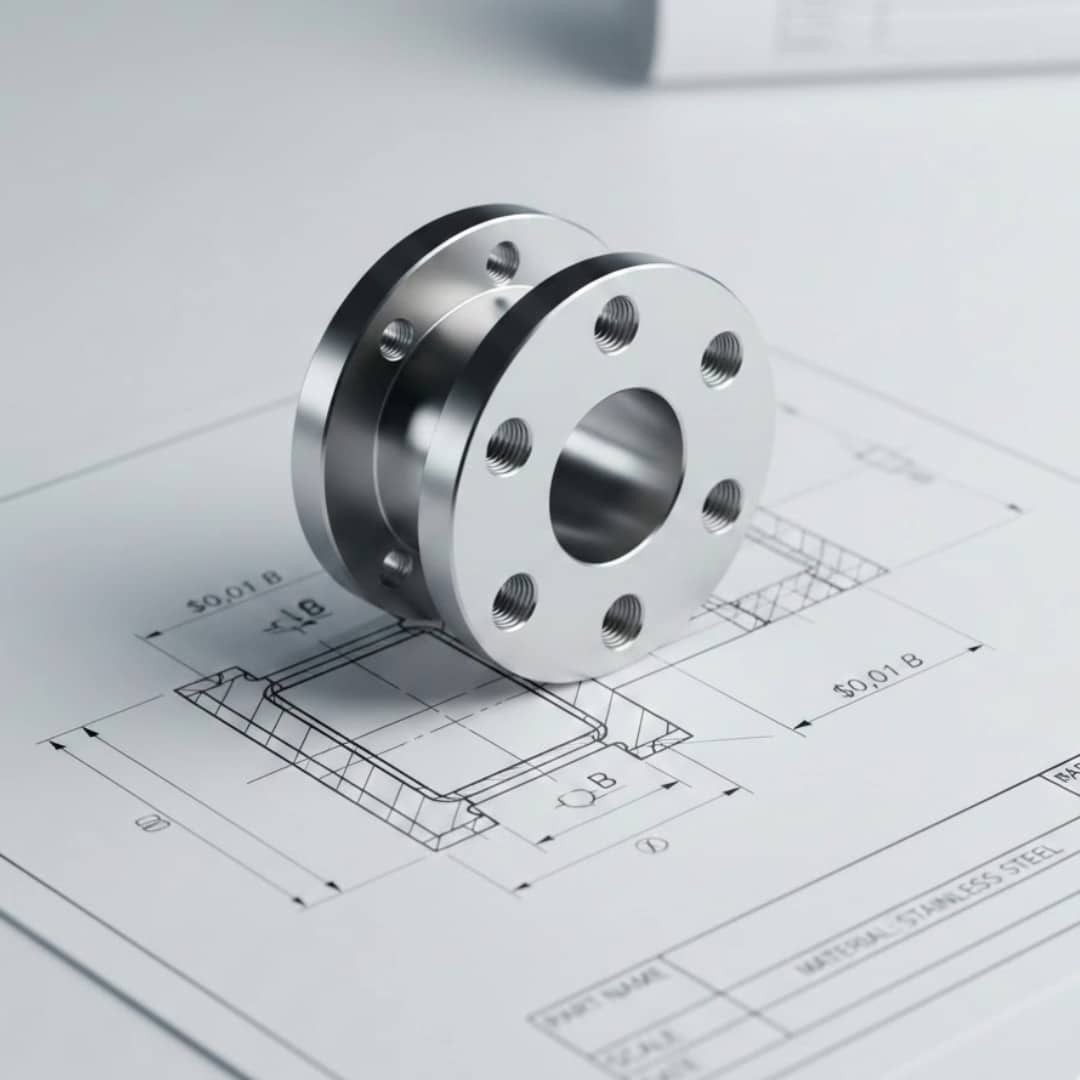
Lino® 2D fix
Drawing automation without manual adjustments for production-ready layouts.
Automatically optimizes drawing layouts, avoids dimension conflicts, and dynamically adjusts scales.
Lino® 3D layout
Uses drag-and-drop and snap technology for collision-free layouts. Ensures seamless data flow from sales to installation without any data loss.

Lino® AI Agent
Intuitively captures requirements through voice input, prevents configuration errors, and connects requests directly to CAD automation and ERP systems for a seamless digital workflow.

Latest News
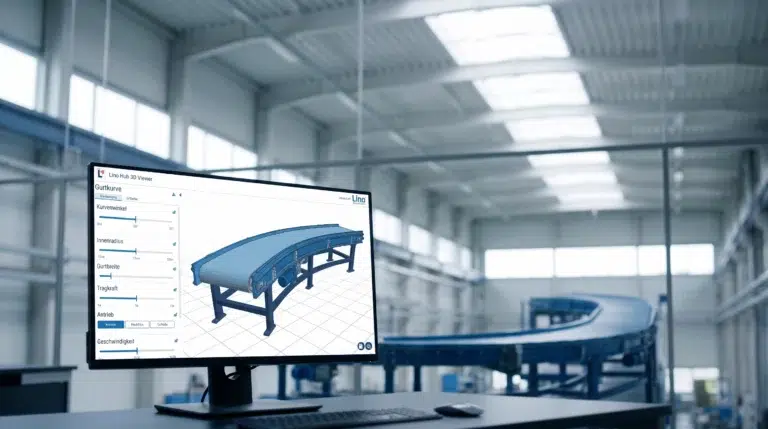
Conveyor Systems & Hoists: From Customer Request to PDM Release in One Hour
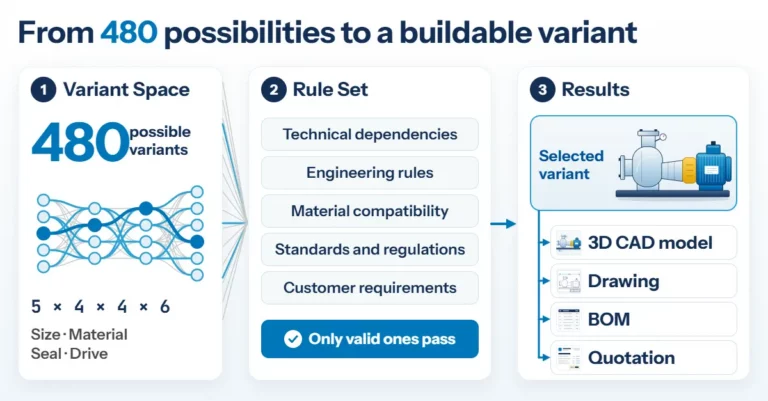
Product Configuration in Mechanical Engineering: How Rules Make Product Variety Manageable
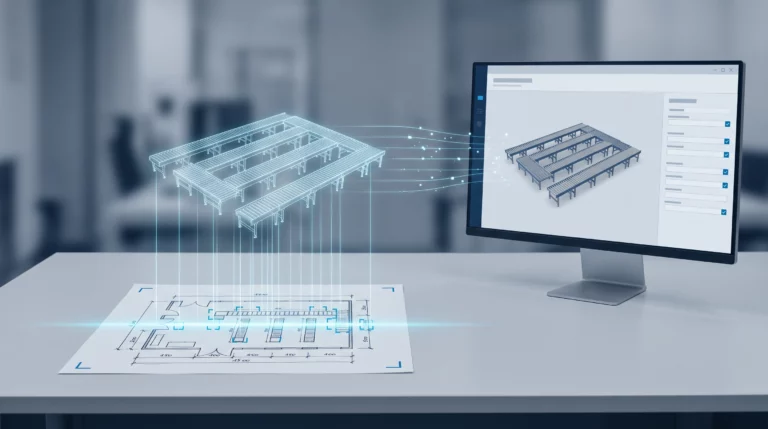
Engineering AI: Why Customer Requirements No Longer Need to Be Retyped
Frequently Asked Questions
Knowledge base on system integration, operating models, and data auditability.
Answers for IT leaders weighing a new integration layer against their existing system landscape and governance requirements. Find out whether existing systems need to be replaced, what operating models are possible, and how automated data can remain traceable.
How quickly do the benefits of a new integration become apparent?
A proof-of-concept delivers measurable benefits in under 30 days.
Does Lino Hub replace our existing CAD, PDM, or ERP systems?
No – Lino Hub complements existing system landscapes through interfaces rather than replacing them.
Is Lino Hub deployed as a cloud, on-premises, or hybrid solution – and who is responsible for updates?
Lino Hub supports SaaS, on-premises, and hybrid scenarios. Update and release management is handled by Lino as the software vendor.
How traceable are automatically generated data and AI outputs?
Automated processes guarantee auditable data flows; AI outputs are deterministically validated against a set of rules before being passed on, rather than running through as a black box.
How quickly do the benefits of a new integration become apparent?
A proof-of-concept delivers measurable benefits in under 30 days.
See for yourself, using your specific use case, how complex processes are simplified, systems are integrated and automation delivers measurable results.
- Practical demo with realistic use cases
- The next step for your digital transformation project
- Measurable benefits and ROI in record time
