


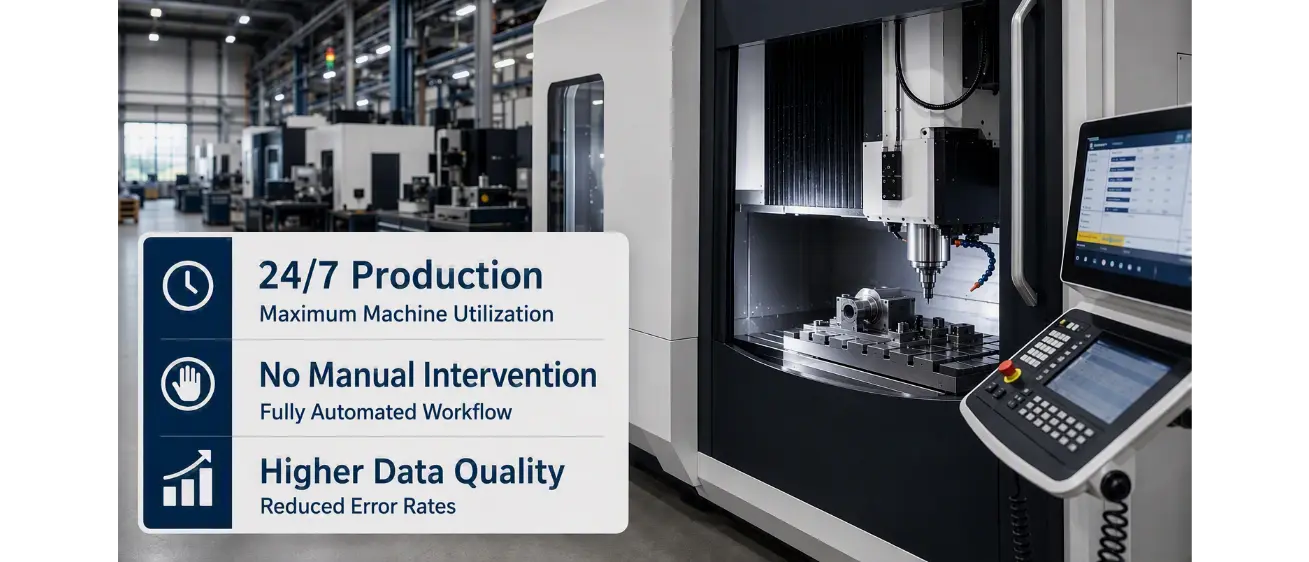
CAM Programming: 24/7 Production Doesn’t Start with the Machine – It Starts with CAD/CAM Automation
A machining center is meant to run around the clock – yet it still sits idle at night because the machine operator has to type the manufacturing data into the controller by hand, copying it from a printed drawing. This is exactly the situation one of our customers faced. When the company brought a new, highly automated machining center online, it quickly became clear: without continuous, automatically generated CAM data, the system falls far short of its potential.
The Old Way: Many Stations, Many System Breaks
Until then, order processing ran through multiple handoffs. Sales clarifies the grinding coating, bore size, diameter, and coolant supply with the customer. This information flows into the ERP system, application engineering checks feasibility, production planning coordinates, and sales creates the quote. Standard discs then go straight into production. For custom variants, engineering also gets involved: it creates a CAD model and a descriptive 2D CAM drawing – printed on paper that ends up at the machine. There, the operator manually enters the values into the controller while production stands still. A process that depends on individual experience and opens up a new source of error at every handoff.
The New Way: One Continuous Process Instead of Many Individual Steps
This is where the Lino® Hub integration platform comes in. It connects the CAD, CAM, and ERP systems so that a single configuration automatically produces complete manufacturing data — without a single manual transfer:
- An employee selects the order number in the CAD monitor.
- Lino Hub automatically triggers CAD data generation in Solidworks® and stores the resulting variants in a defined directory.
- Lino Hub then generates the corresponding manufacturing data and directly exports the matching machine code for the CAM system.
- Through the connection to SAP® S/4HANA® via Lino® Automate, all production-relevant data is made available to the ERP system -verified and without knowledge silos.
One click produces a complete, verified data set: 3D model, drawing, bill of materials, CNC code. Variants can be simulated and checked in advance before they go into production.chnung, Stückliste, CNC-Code. Varianten lassen sich vorab simulieren und prüfen, bevor sie in die Fertigung übernommen werden.
The Result: Production That Doesn’t Have to Wait on People
Design times dropped noticeably, and engineering was relieved of workload – a meaningful advantage given the shortage of skilled workers. Because media breaks are eliminated, the plant now produces even the smallest batch sizes economically and runs its new machining center around the clock. The site has since become a “blueprint” for other plants across the corporate group.
What This Means for Other Manufacturers
This case is not a niche problem. Wherever CAD, CAM, and ERP systems still “communicate” with each other today through printouts, emails, or duplicate data entry, delays and sources of error arise that could be avoided. Lino Hub closes exactly this gap: as an integration platform that connects existing systems – such as Solidworks, a CAM system, and SAP or similar ERP systems – and automates CAM programming from a single click all the way to machine code. Lino can do that. And so can Lino Hub.
Interested in an assessment for your own production? We’re happy to discuss your specific use case — at info@lino.de or +49 6131 32785-10.
