Lino Automate Server
Scalable Backend Automation for Your CAD Workflows
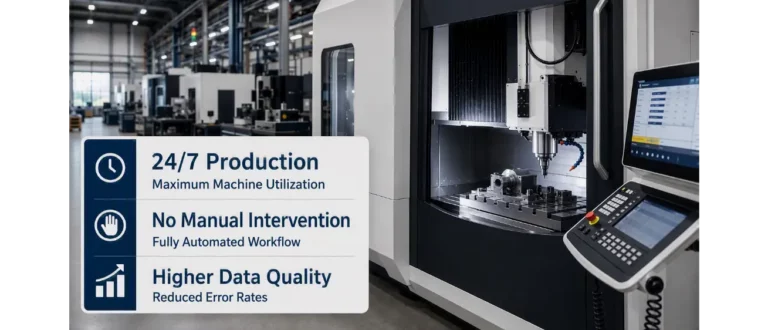
Lino Automate Server centrally executes automated engineering and integration processes in the background. CAD generation, data processing, and system handovers run on a server basis and independently of individual workstations.
This relieves design engineers, boosts performance, and enables scalable automation in highly variant‑rich machinery engineering projects. At the same time, companies retain full control over their processes at all times through monitoring and control.

Automate routine tasks, free up capacity, and ensure process stability – directly in the backend.
In modern product development, recurring routine tasks are often time‑consuming and tie up valuable engineering capacity. The Lino Automate Server module is the high‑performance response to this challenge. As a central backend solution, it enables you to execute complex CAD processes independently of the user interface and take your automation to the next level.

Simply and without obligation, schedule a meeting for a consultation and be convinced of Lino Automate.
Automation without detours
With the server option, Lino Automate takes over the complete remote control of your CAD system. Whether in combination with Tacton Design Automation or as an independent process controller: tasks are processed in the background (backend), while your employees can focus on value‑adding design tasks.
Maximum flexibility in triggers
You decide how and when processes start. Lino Automate Server provides a wide range of interfaces for seamless integration:
Key Benefits of Lino Automate Server
Prepare your engineering for the future.
With Lino Automate Server you create a robust platform that eliminates routine tasks and digitalizes your process chain.
Lino Automate Extensions
Modules for integration, automation and scaling.
Lino Automate’s extension options connect engineering, data, and systems into end-to-end digital processes.
Additional modules enable integration with PDM, ERP, and databases, enhance security, and scale automation on a server-based platform.
PDM

ERP

DB

Encryption

Server

Webinars
Register now for our free webinar or contact an expert for a personalized consultation.
Our webinars are intended exclusively for companies within our defined target audience.
See for yourself, using your specific use case, how complex processes are simplified, systems are integrated and automation delivers measurable results.
- Practical demo with realistic use cases
- The next step for your digital transformation project
- Measurable benefits and ROI in record time
Frequently asked questions
Knowledge base on central process execution, performance, and load distribution.
Here you can find answers relating to server‑based automation of CAD generation and workflow control.
In particular, this enables small and medium‑sized industrial companies to execute complex processes in a scalable way independently of individual workstations.
What is Lino Automate Server?
Lino Automate Server is a backend solution for centrally automating CAD and engineering processes. Routine tasks are executed server-based in the background, independent of individual workstations. This creates a scalable, Industry 4.0-ready infrastructure, especially for mid-sized machinery manufacturers.
Why is server-based automation important for Industry 4.0?
Industry 4.0 relies on connected, automated processes. With Lino Automate Server, CAD generation, document creation, and data transfers run centrally in the backend. This creates stable, reproducible workflows and a consistent digital thread.
How are processes started?
The module offers flexible triggers: web API calls from ERP or PLM systems, folder monitoring, scheduled runs, or manual starts via a dashboard. This makes it easy to integrate engineering processes into existing IT landscapes.
How do mid-sized companies benefit economically?
Since compute-intensive tasks run automatically in the background, engineers are relieved of routine work. This frees up capacity for innovative activities while routine processes are handled reliably and with fewer errors.
How does Lino Automate Server ensure transparency?
A central dashboard makes it possible to monitor running and completed jobs. Companies always keep track of status, utilization, and process quality.
Which companies is Lino Automate Server especially suited for?
It is particularly beneficial for mid-sized machine and plant engineering companies with highly variant products and a high degree of automation that want to make their CAD processes scalable and future-proof.
Latest News
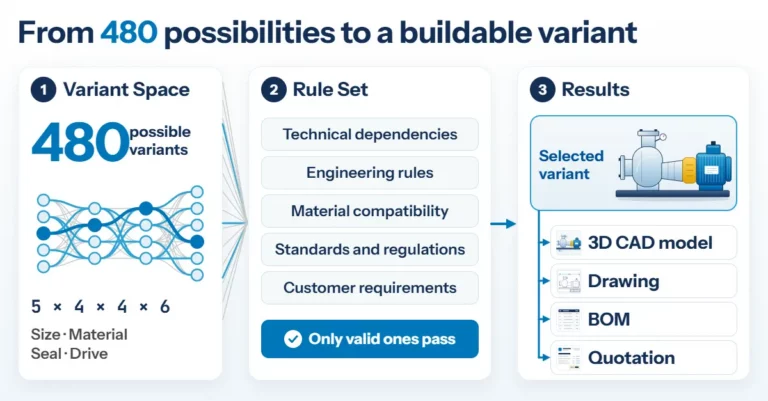
Product Configuration in Mechanical Engineering: How Rules Make Product Variety Manageable
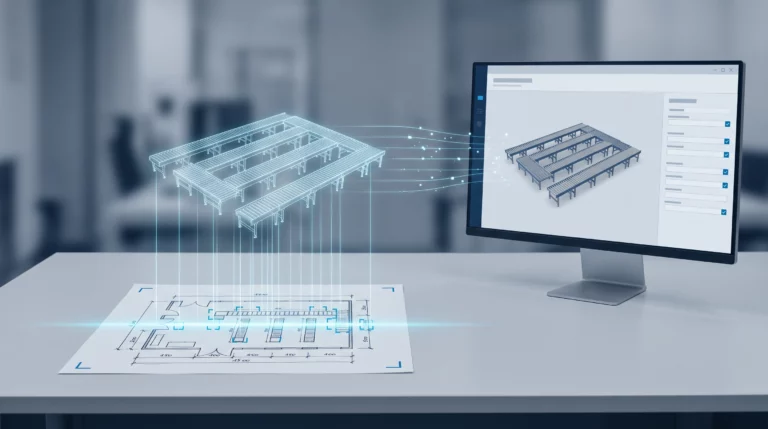
Engineering AI: Why Customer Requirements No Longer Need to Be Retyped