


Tacton CPQ CAD Automation
Generate CAD data directly from the product configuration
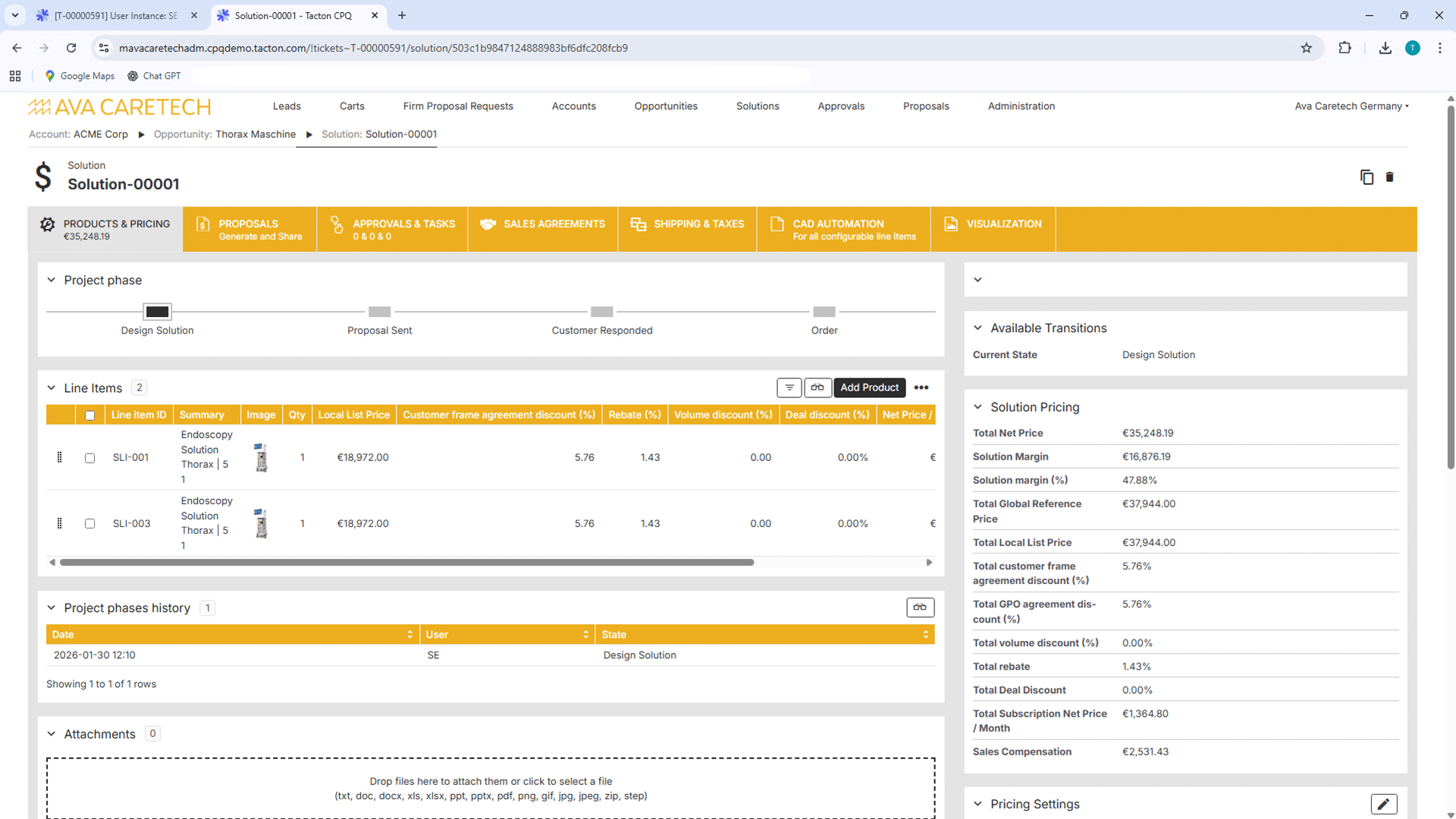
With Tacton CPQ (Configure, Price, Quote) CAD Automation, you can automatically generate error-free 2D and 3D models, drawings, and bills of materials from any product configuration. This allows you to seamlessly integrate sales and engineering, reduce manual effort, and significantly accelerate your quoting and design processes.

Error-Free And Fully Automated: From The Sales Conversation Straight To The Finished 3D Model
Tacton CPQ CAD Automation bridges the gap between sales and engineering. While the sales team configures customer requirements in the CPQ system, the corresponding CAD data is generated in the background. Thanks to deep integration with systems such as SolidWorks, Autodesk Inventor, and PTC Creo, the manual redrawing of variants becomes unnecessary. Sales generates all documents at the click of a button and can send the quote to the customer within minutes.

Schedule a consultation easily and with no obligation to learn more about Tacton CPQ.
Aligning Sales and Engineering
As soon as a configuration is completed in Tacton CPQ, the system triggers the creation of 3D models, 2D drawings, and bills of materials. Since the same product rules are used in both departments, this ensures that what was sold can be manufactured exactly as specified. This eliminates follow-up inquiries, avoids unnecessary scrap costs, and significantly speeds up the entire order process.
Key Benefits of Tacton CPQ CAD Automation
Boost Your Sales Efficiency and Customer Satisfaction –
with Tacton CPQ CAD Automation.
Webinars
Register now for our free webinar or contact an expert for a personalized consultation.
Our webinars are intended exclusively for companies within our defined target audience.
Tacton CPQ Modules
Enhancements to Tacton CPQ for end-to-end sales and engineering processes.
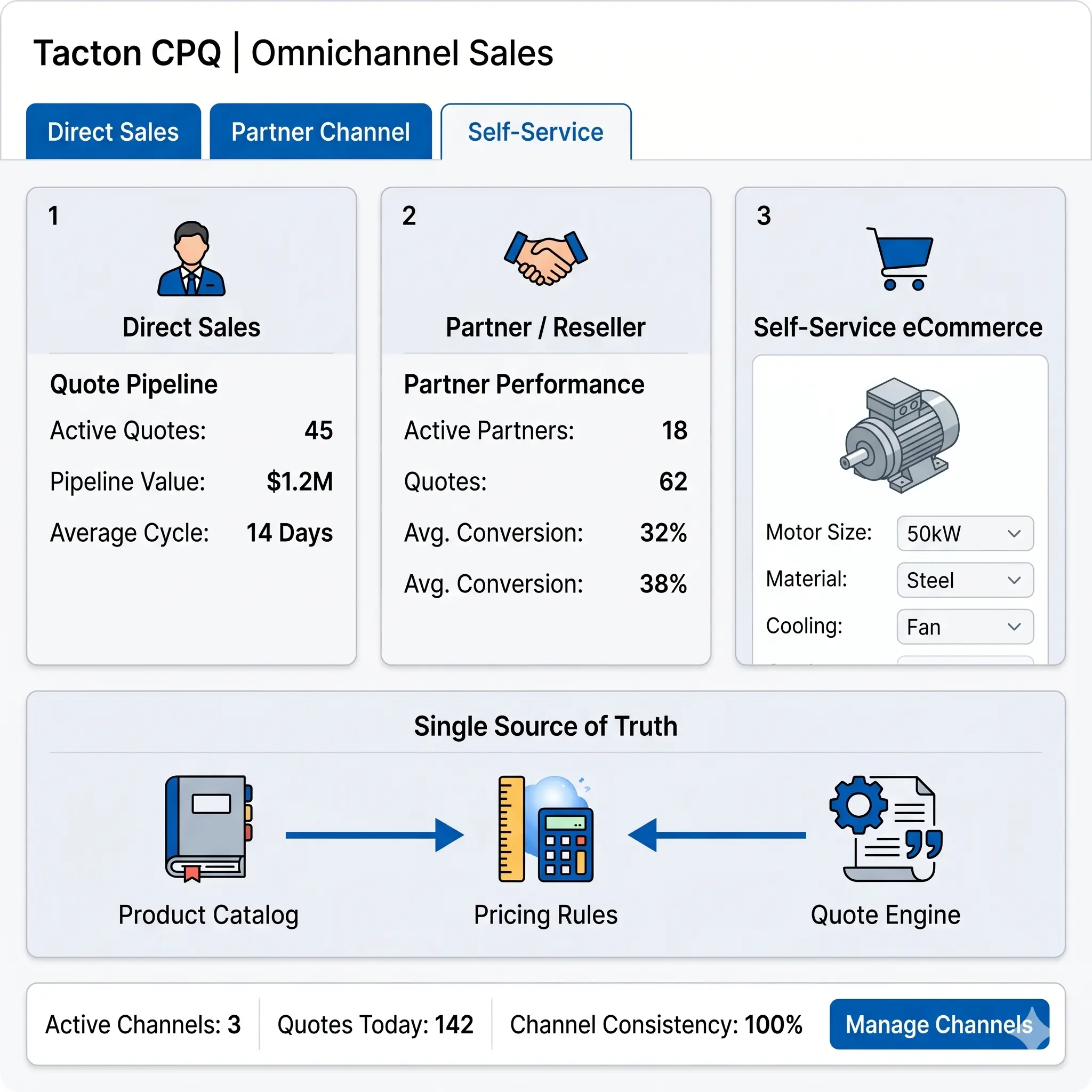
The modules for Tacton CPQ expand your configuration platform with features for CAD automation, visualization, integration, analysis, multi-channel sales, and the carbon footprint of your product configuration. This enables end-to-end processes spanning sales, engineering, and manufacturing – efficient, scalable, and secure.
Platform

Visual Configuration

Integration

Analytics

Omnichannel Sales
Environmental Footprint

Embeddable Self Service

See for yourself, using your specific use case, how complex processes are simplified, systems are integrated and automation delivers measurable results.
- Practical demo with realistic use cases
- The next step for your digital transformation project
- Measurable benefits and ROI in record time

Frequently Asked Questions
Knowledge base on automatic model derivation and the digital thread.
This FAQ section explains how product variants are directly converted into technical CAD models.
This creates a seamless data flow from sales to engineering—without the need for manual rework.
What is Tacton CPQ CAD Automation?
Tacton CAD Automation is a module that connects the CPQ software directly with common CAD systems. It automatically generates true-to-scale 3D models and 2D drawings based on the sales configuration. The design engineer no longer has to intervene manually for this.
Which CAD systems are supported by Tacton?
Tacton offers deep, standardized integrations for the world’s leading CAD platforms. These include, in particular, SolidWorks, Autodesk Inventor, and PTC Creo. The add-in works directly in the familiar CAD environment, so design engineers do not have to learn new software
What is the biggest advantage of CAD automation?
The main advantage is the enormous time savings. Sales teams can generate customer-specific CAD documents for quotations within minutes instead of days. This relieves the engineering department of routine tasks, avoids bottlenecks, and dramatically accelerates the quotation process (time-to-quote).
Can the models be integrated directly into the quote?
Yes, absolutely. The software automatically creates customer-ready 3D models, dimensional drawings, and renderings. These visual assets can be attached directly to the quote text. This increases the quality of the quote and helps customers better understand the complex solution.
How does the system prevent faulty or non-buildable designs?
Tacton uses a rule-based engine that takes technical dependencies into account. Even during the sales configuration process, it ensures that only technically feasible variants can be selected. As a result, the generated CAD model is guaranteed to be error-free and manufacturable in practice.
Do all product variants have to be drawn in advance?
No. Tacton uses master models with a modular, parametric structure. Instead of pre-drawing thousands of variants, the automation engine dynamically adjusts the dimensions, components, and assemblies of the base model. The desired variant is thus generated “on the fly”.
Are bills of materials (BOM) also created by the module?
Yes. In addition to the drawings and 3D models, the system automatically generates the exact manufacturing bills of materials (mBOM). This data can be seamlessly transferred to the ERP system so that production can start immediately after order receipt.
Is the software only intended for sales?
No, the module is also extremely valuable for project planning, order processing, and engineering. esign engineers use automation to accelerate recurring design tasks in the “Engineer-to-Order” process. This leaves the technical team more time for genuine innovations and complex special developments.
How does the maintenance of product rules work?
The logic and rules for configuration are managed centrally. Since Tacton separates abstract product logic from pure CAD geometries, rule changes can be made quickly without having to work extensively directly in the CAD model every time.
Which companies is the implementation worthwhile for?
The solution pays off especially for manufacturers of complex, highly customizable machinery and plants. If design engineers currently spend a lot of time on manual routine adjustments just for quote sketches, the investment usually pays for itself after just a few months due to increased efficiency.
Latest News
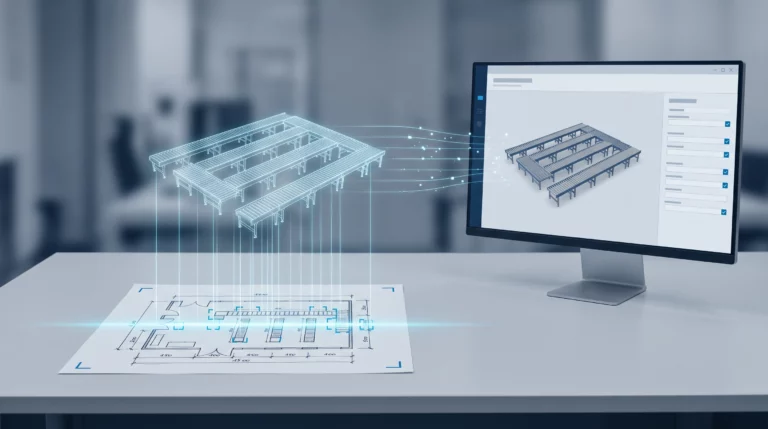
Engineering AI: Why Customer Requirements No Longer Need to Be Retyped
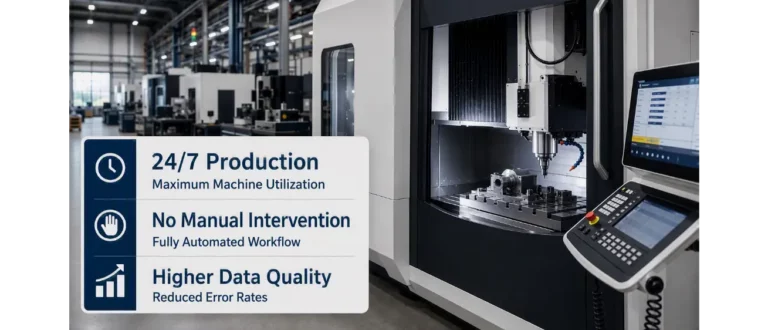
CAM Programming: Why No One Will Do It by Hand Anymore in the Future
