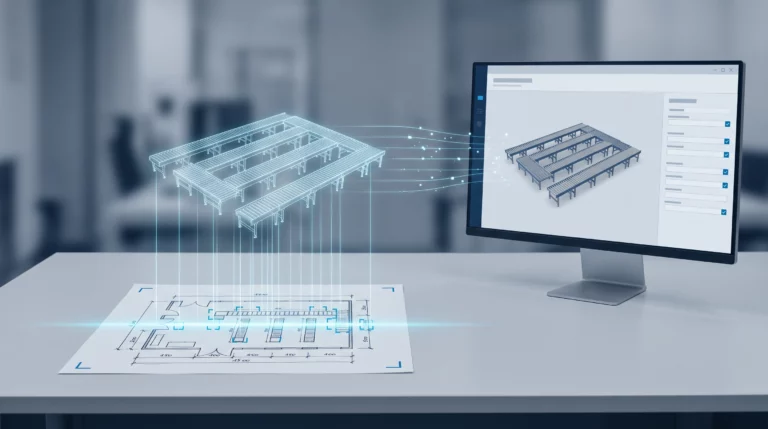
Tacton CPQ Embeddable Self Service
Embeddable online configurator for complex industrial products – customers configure, calculate, and order around the clock, directly on your website.
With Tacton CPQ Embeddable Self-Service, you embed the same powerful configurator your sales team uses every day as a ready-made HTML component directly into your company website.

Product configuration directly on your website – without the sales detour
Customers and dealers can independently configure your complex industrial products, calculate prices, and request quotes – 24 hours a day, 7 days a week, without any manual sales effort.
The Embeddable Self-Service is the successor solution to the API-based Tacton CPQ Customer Self-Service and replaces complex custom development with ready-to-use components – with the same product logic, the same pricing rules, and the same validation engine as in the internal Tacton CPQ.

Simply and without obligation schedule an appointment for a consultation and get to know Tacton CPQ.
From Customer Self-Service to Embeddable Self-Service
Tacton has fundamentally modernized its self-service approach. The new generation replaces the previous API-based approach with an embeddable, ready-to-use solution.
Technical Integration
Der bisherige Customer Self Service setzte auf eine reine API-Schnittstelle: Unternehmen mussten ein eigenes Frontend von Grund auf entwickeln, das über diese API an die Tacton-Konfigurationsmaschine angebunden wurde. Das erforderte spezialisierte Entwicklerressourcen und eine vollständige Eigenimplementierung der Benutzeroberfläche. Das neue Embeddable Self Service löst diesen Aufwand durch sofort einsatzfähige HTML-Komponenten ab, die sich per Drop-in direkt in jede bestehende Website einfügen lassen – ohne eine individuelle Lösung aufbauen zu müssen.
Setup Effort
With Customer Self-Service, the implementation effort was correspondingly high: depending on project complexity, weeks to months of development time had to be planned before the first buyer could use the website for configuration. The Embeddable Self-Service significantly reduces this effort. Thanks to the pre-built components and the direct connection to the existing Tacton CPQ instance, companies become productive much faster – without having to sacrifice functionality or the proven configuration logic.
Configure, Calculate, Buy – without any media discontinuity
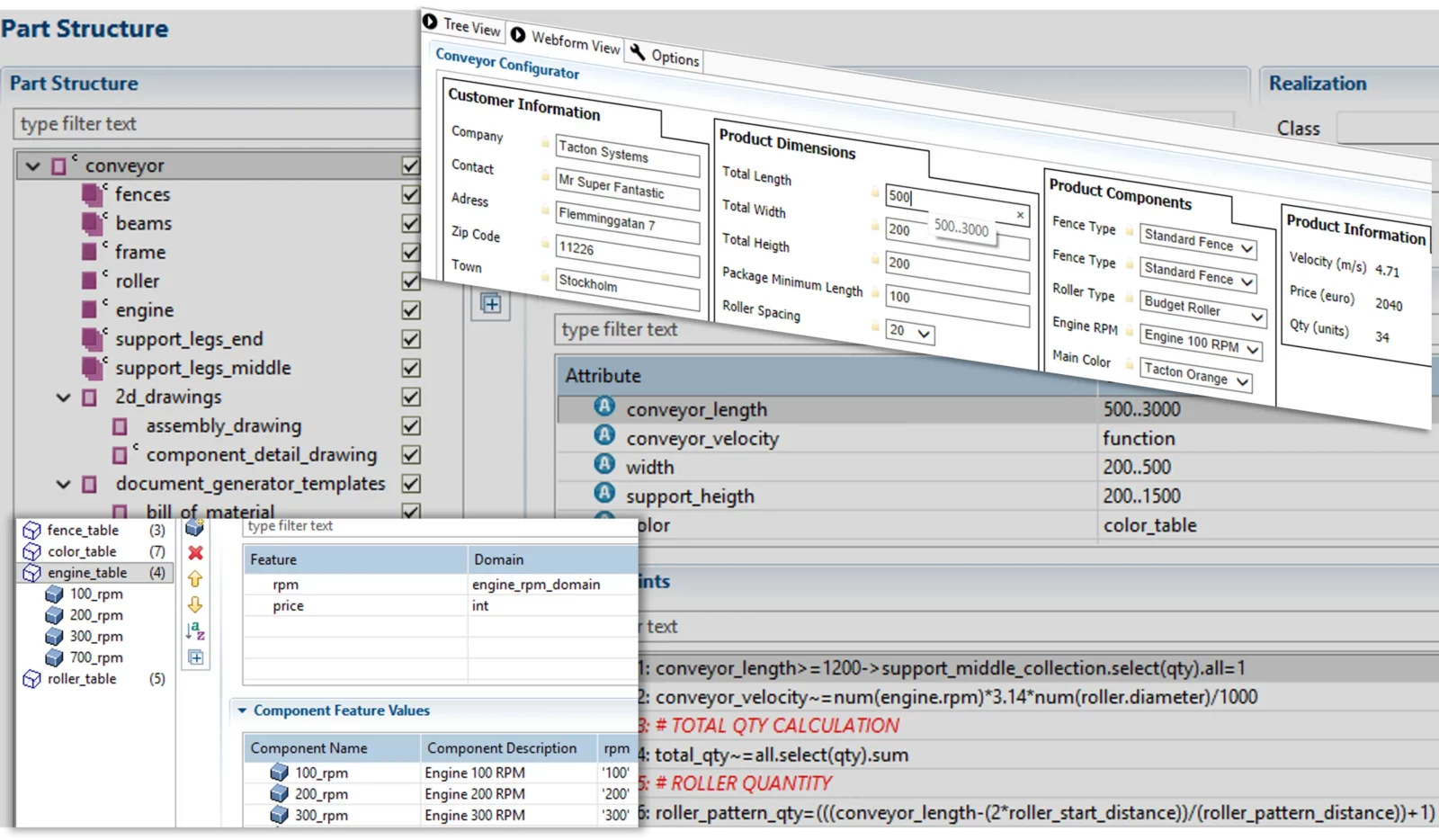
Benefits of Tacton CPQ Embeddable Self-Service
Increase your sales efficiency and customer satisfaction – with Tacton CPQ.
Webinars
Register now for our free webinar or contact an expert for a personalized consultation.
Our webinars are intended exclusively for companies within our defined target audience.
Tacton CPQ Modules
Enhancements to Tacton CPQ for end-to-end sales and engineering processes.
The modules for Tacton CPQ expand your configuration platform with features for CAD automation, visualization, integration, analysis, multi-channel sales, and the carbon footprint of your product configuration. This enables end-to-end processes spanning sales, engineering, and manufacturing – efficient, scalable, and secure.
CAD Automation

Visual Configuration

Integration

Analytics

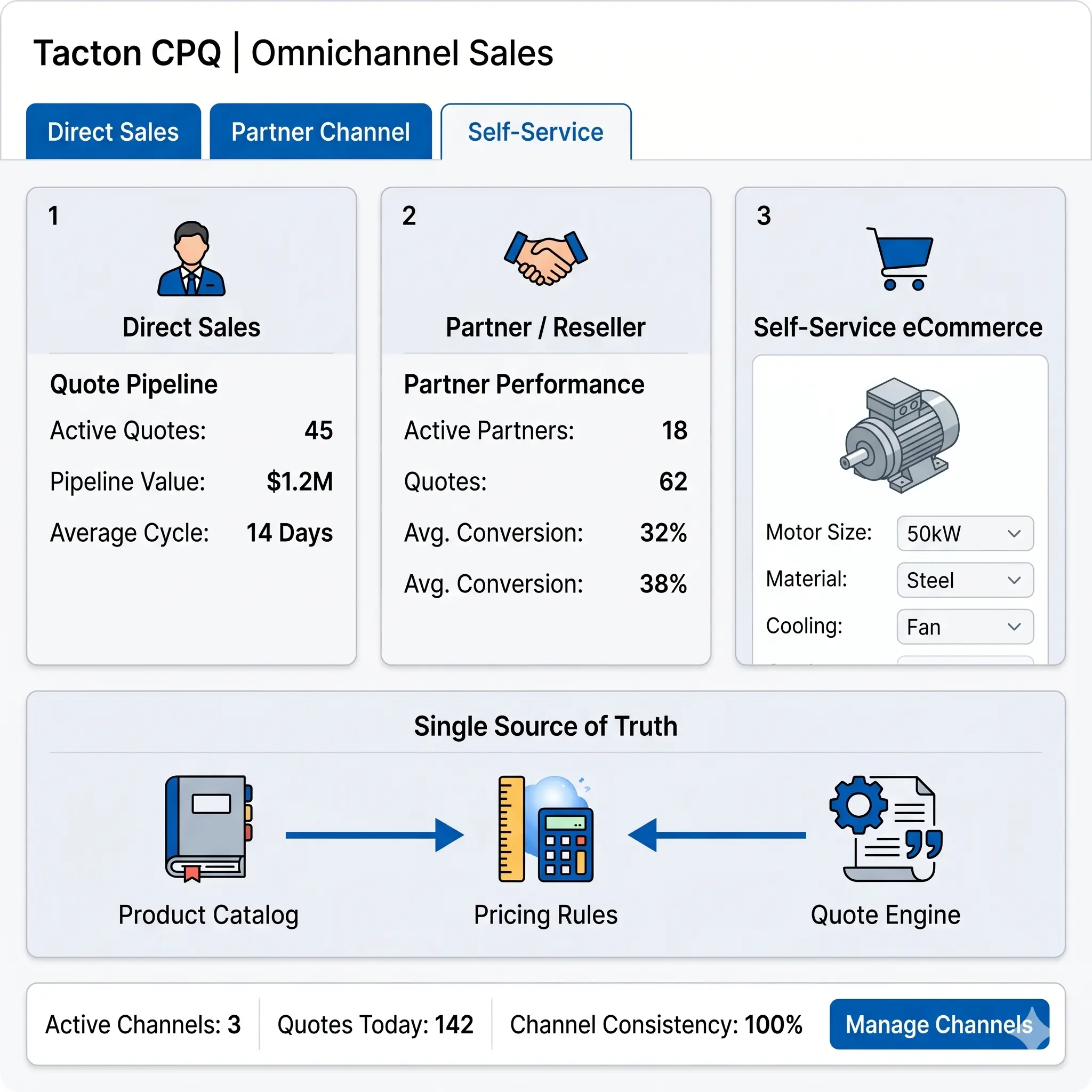
Omnichannel Sales
Environmental Footprint

Platform

See for yourself, using your specific use case, how complex processes are simplified, systems are integrated and automation delivers measurable results.
- Practical demo with realistic use cases
- The next step for your digital transformation project
- Measurable benefits and ROI in record time

Frequently Asked Questions
The FAQs answer questions about model simplification using Lino Simplify.
Here you’ll find answers to questions about automated model simplification in SolidWorks. Learn how Lino Simplify reduces assembly complexity, improves performance, makes reverse engineering more difficult, and protects sensitive design details—without losing important design information.
How does the photorealistic 3D representation of layouts build trust in the sales process?
Lino Hub 3D Layout displays plants and layouts realistically and in all dimensions. Customers grasp spatial relationships and dimensions much more easily than with complex technical drawings and can see their individual solution already during the sales process. This consistent, visual basis for decision-making builds mutual trust and contributes significantly to customer loyalty.
What advantages does Lino Hub 3D Layout offer in the quotation process and in sales?
The intuitive, CAD-independent layout creation ensures short lead times and an efficient, standardized quotation process. Changes and variants can be implemented quickly, which reduces misunderstandings already at the planning stage. Sales teams can present complex products interactively and clearly instead of relying on elaborate technical drawings. Companies thereby accelerate the sales process and can achieve a higher order volume.
Why is web-based, CAD-independent layout planning advantageous for large 3D factory layouts?
Large and complex 3D factory layouts quickly overwhelm conventional CAD workstations, as large assemblies and a high number of components cause performance to degrade massively. Even the smallest changes become almost impossible for the user to implement. Lino Hub 3D Layout decouples layout planning from the CAD system and thus enables efficient 3D layout planning for the first time: fast, high-performance, browser-based and independent of the CAD workstation.
How can factory layouts be assembled using drag-and-drop in Lino Hub 3D Layout?
Every layout component is available as a digital twin in a 3D model library. Users drag and drop the components into the view and combine them into system assemblies and complete factory layouts. Intuitive buttons control the SolidWorks toolbar directly via the API. This allows components to be flexibly configured and precisely positioned while they are being placed.
What is Lino Hub 3D Layout and who is the module designed for?
Lino Hub 3D Layout is the layout planning module of the Lino Hub integration platform. It enables high-performance planning and flexible, dynamic configuration of large factory and plant layouts directly in the web browser. The application is aimed primarily at sales and project engineers who want to create and visualize layouts without a CAD system. Changes are reflected immediately in the 3D view.
Latest News
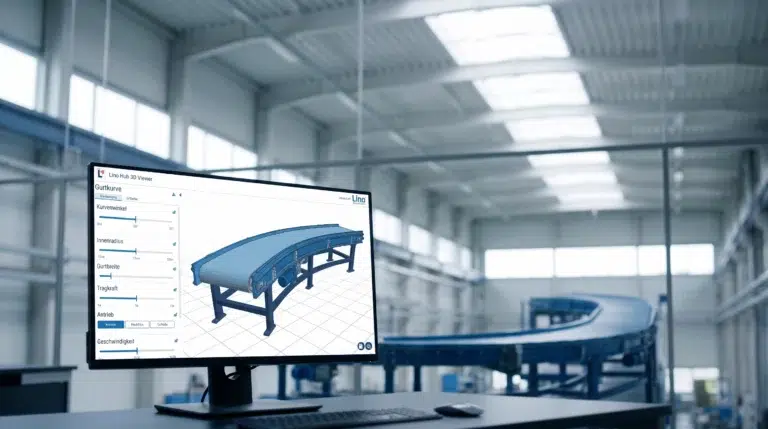
Conveyor Systems & Hoists: From Customer Request to PDM Release in One Hour
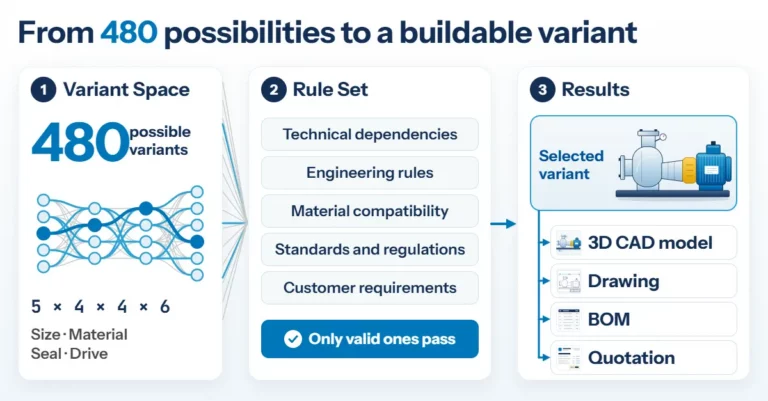
Product Configuration in Mechanical Engineering: How Rules Make Product Variety Manageable